Advanced Search

Search Results (Searched for: )

  • ihavenofish
  • ihavenofish
11 Dec 2024 06:31 - 11 Dec 2024 06:32
Replied by ihavenofish on topic Mini wannabe datron build

Mini wannabe datron build

Category: CNC Machines
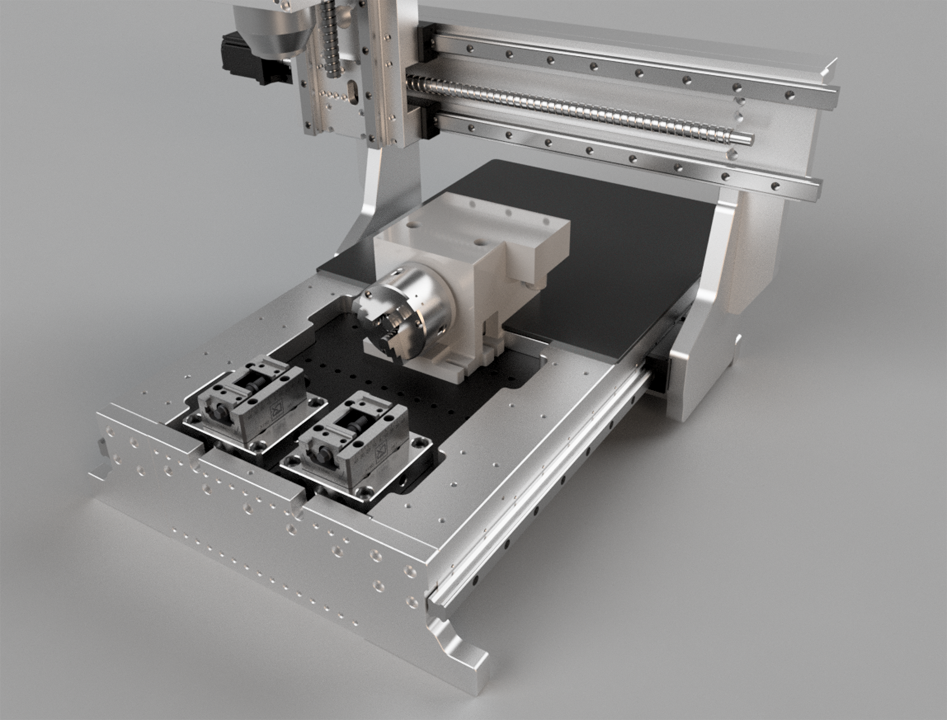
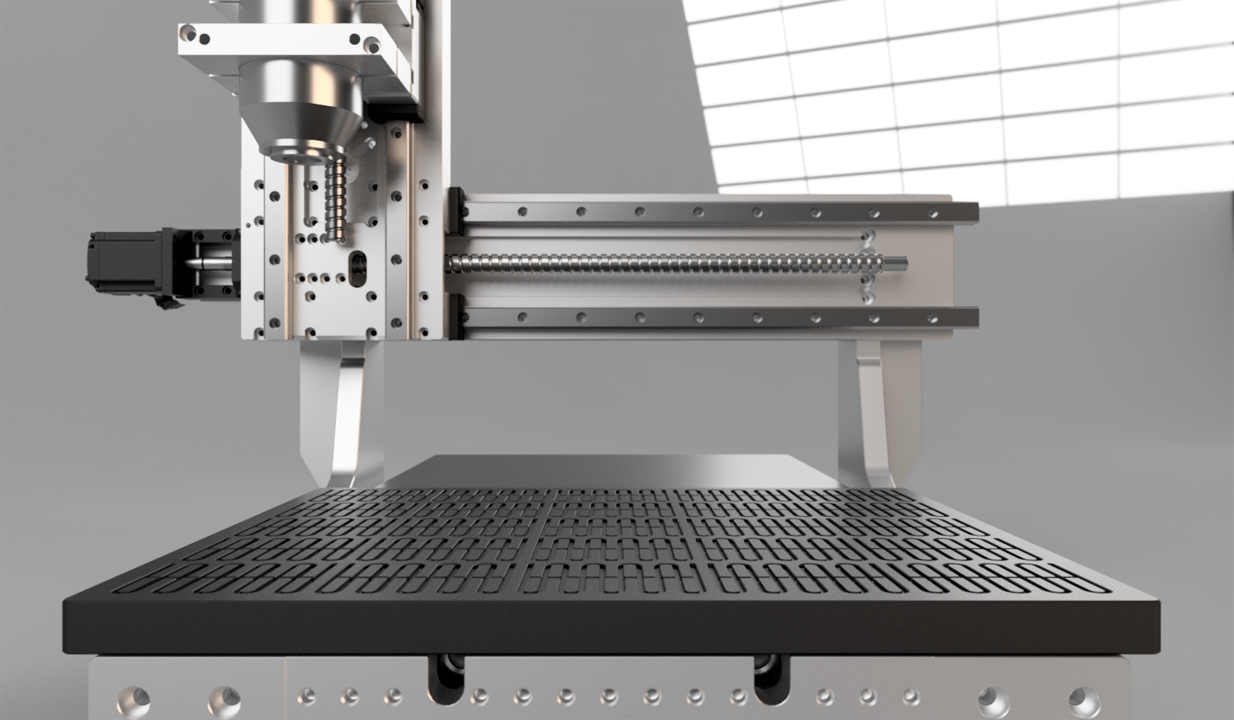
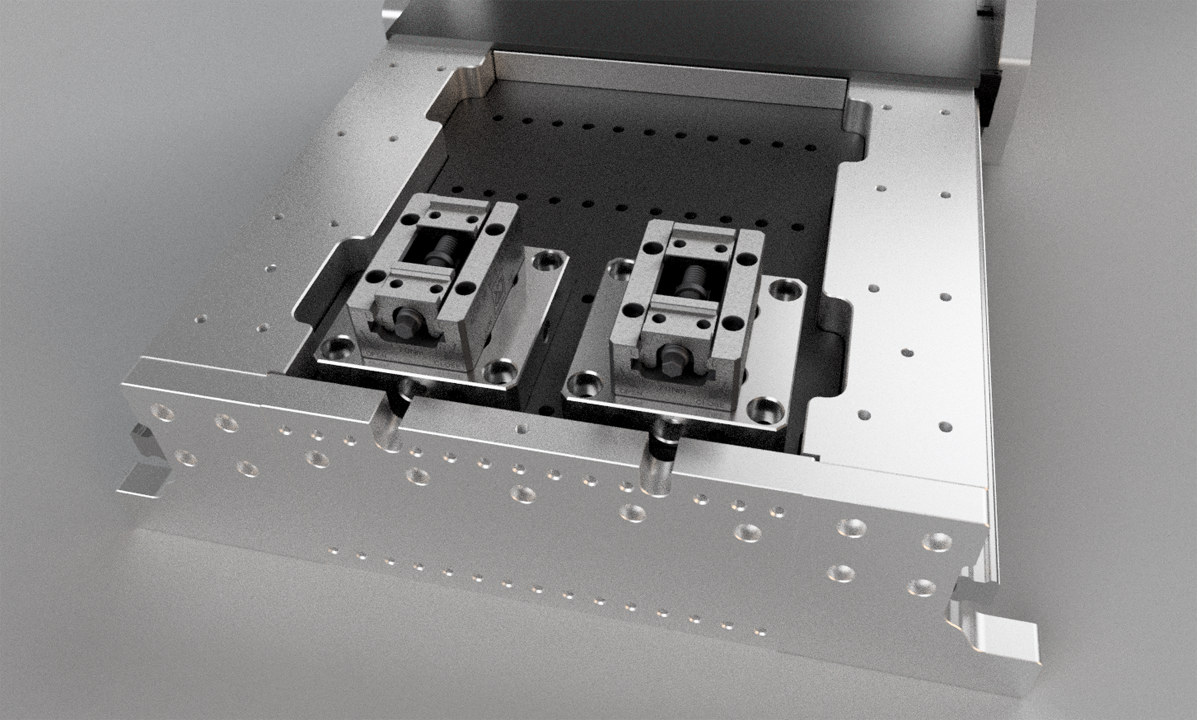
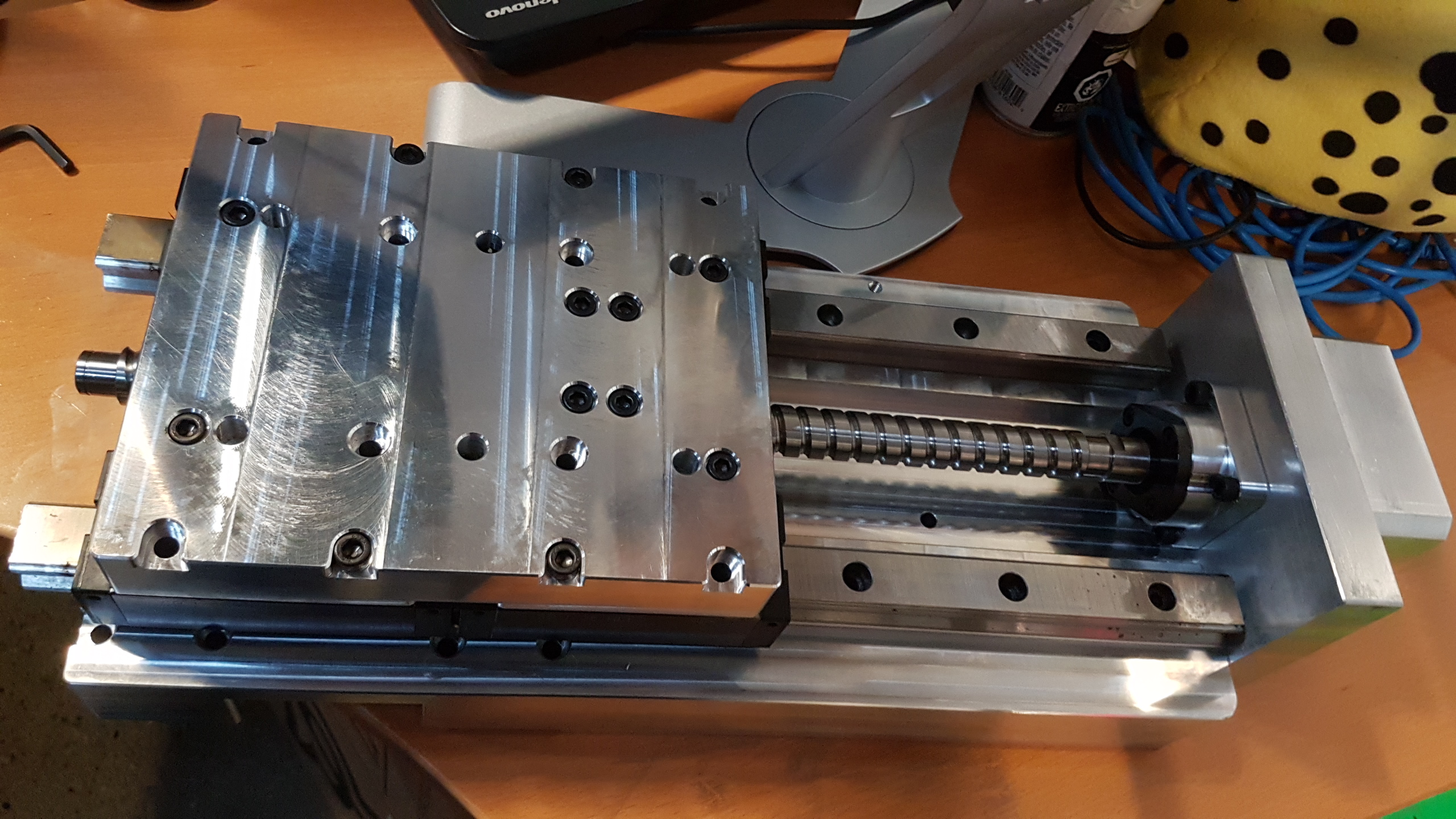
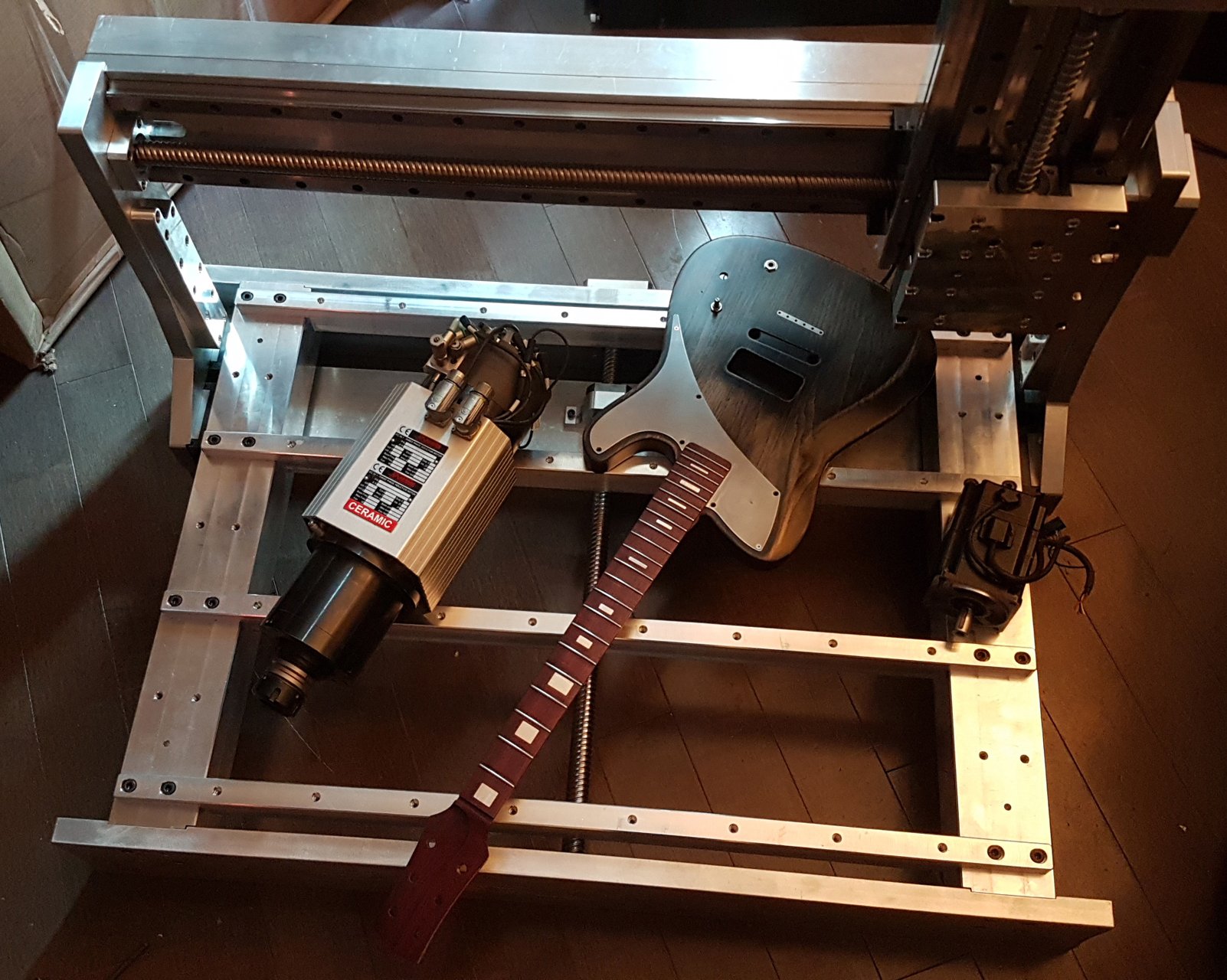
MiniMonster's bigger meaner brother progress.

This machine already exists, but I need to modify it and repair some flood damaged parts. *finally* all the parts seem to have come my way to get it back going.

I am going to use the sanyo denki servo sets I originally bought for my brother machine. They run on either analogue or step and direction. I already have a mesa 7i77 for analogue use.

Does anyone have any opinions on whether I should stick with that, or move it to step and direction. There are a number of benifits to going with analogue, but my last experience tuning analogue servos on linuxcnc went poorly. These are very different drives this time though on a very different machine.

Drives are sanyo RS1, and the motors are sanyo P5 with 2000 line encoders.


  • Unlogic
  • Unlogic
11 Dec 2024 06:19 - 11 Dec 2024 10:19
Replied by Unlogic on topic Optimum Optimill MH50V CNC conversion

Optimum Optimill MH50V CNC conversion

Category: Milling Machines

I updated from LinuxCNC 2.9.2 to 2.9.3 along with latest version of Probe Basic yesterday.

Everything went smoothly and I decided to attach a camera to the mill so that I could record some milling.


Overall the macine works great but I really need to upgrade the BT40 spindle so I that can run at higher rpm's. It would significantly cut down the maching time if I could run 6000-10000 rpm instead of the ~3000 rpm I'm currently limited too.
  • timo
  • timo
11 Dec 2024 06:05 - 11 Dec 2024 06:07

How to build a spaceship with Linuxcnc and a Mesa 7i76e

Category: Basic Configuration

Did you have a look at this?

linuxcnc.org/docs/html/examples/mpg.html

This gave me the basic idea, and then I could change the *.hal according to the requirements.
To me it looks that this wireless thing just connects to the machine like a normal wired device.

I am not using an "official encoder input" for the MPG just normal inputs were doing the job, So I did not change the bitfile on Mesa card plug and go kit.
  • meister
  • meister
11 Dec 2024 05:57

LinuxCNC-RIO - RealtimeIO for LinuxCNC based on FPGA (ICE40 / ECP5)

Category: Computers and Hardware

on my system, the gowin makefile works fine, are you sure gowin is running on arm64 cpu's ?
  • timo
  • timo
11 Dec 2024 05:44 - 11 Dec 2024 05:53
Replied by timo on topic Ein Neuling sucht Hilfe

Ein Neuling sucht Hilfe

Category: Deutsch

Ist das das gleiche Problem. Die X-Achse ist die lange Seite von dem Router, und die y-Achse die kurze Seite. Aber du schaust beim Arbeiten von vorne auf die kuzre Seite?

Gute Nachricht: es geht irgendwie
Schlechte: ich weiß nicht wie :-)
Die Beschreibung ist wohl in Englisch. (das bekommen wir sicher irgendwie hin)

forum.linuxcnc.org/21-axis/14675-keyboar...-key-binding?start=0

p.s. das scheint nicht dramatisch schwierig, aber bevor ich da was verkünde probier ich das nochmal aus.
pp.s. ich bin stillschweigend davon ausgegangen, dass ein "Axis Bildschirm" (Software) verwendet wird.

Dieser hier!
  • dbtayl
  • dbtayl
11 Dec 2024 04:06
Replied by dbtayl on topic FreeCAD 1.0 Who's using it?

FreeCAD 1.0 Who's using it?

Category: CAD CAM

I've been using the weekly builds for some time. TNP is not entirely solved, but I've slowly learned (after making some models for the third time) to be better at constructing models to avoid TNP issues. Worth the effort to reference things as far up the tree as possible, build reference planes, use parameter sets, etc. Overall I think the CAD is pretty good, once you get used to it. The last couple months leading up to the 1.0 release saw a huge improvement in stability, which is really nice. FAR fewer crashes. My only other real mechanical CAD experience is Rhino, so I can't really compare on that front- just being parametric is such a huge step up.

The CAM workbench in FreeCAD is both amazing and frustrating. It's awesome that it has (eg) adaptive toolpaths that you seemingly can't get in any CAM package under ~$3k USD. The new path/stock simulator is WAY faster/better than it was in older version. Plus, Linux native is great.

A lot of other things are maddeningly close to working well, but need some very specific workarounds to make work. Profiling open contours very notably falls in this category. You can make it work, but have to build a bunch of extra geometry to do so in my experience. It's on my to-look-at-fixing list...

On the up side, my experience fixing things (adaptive toolpaths not using the stock model you provide- pull request pending due to freeze prior to 1.0 release) was that it's shockingly easy. That fix took... a few hours, going into it mostly cold? So if you know Python and/or C++, and see something that seems dumb and annoys you, it might be worth looking into just fixing it.
  • tcbmetalworks
  • tcbmetalworks
11 Dec 2024 03:28
Replied by tcbmetalworks on topic 10.5 x 25 cnc plasma table retrofit

10.5 x 25 cnc plasma table retrofit

Category: Computers and Hardware
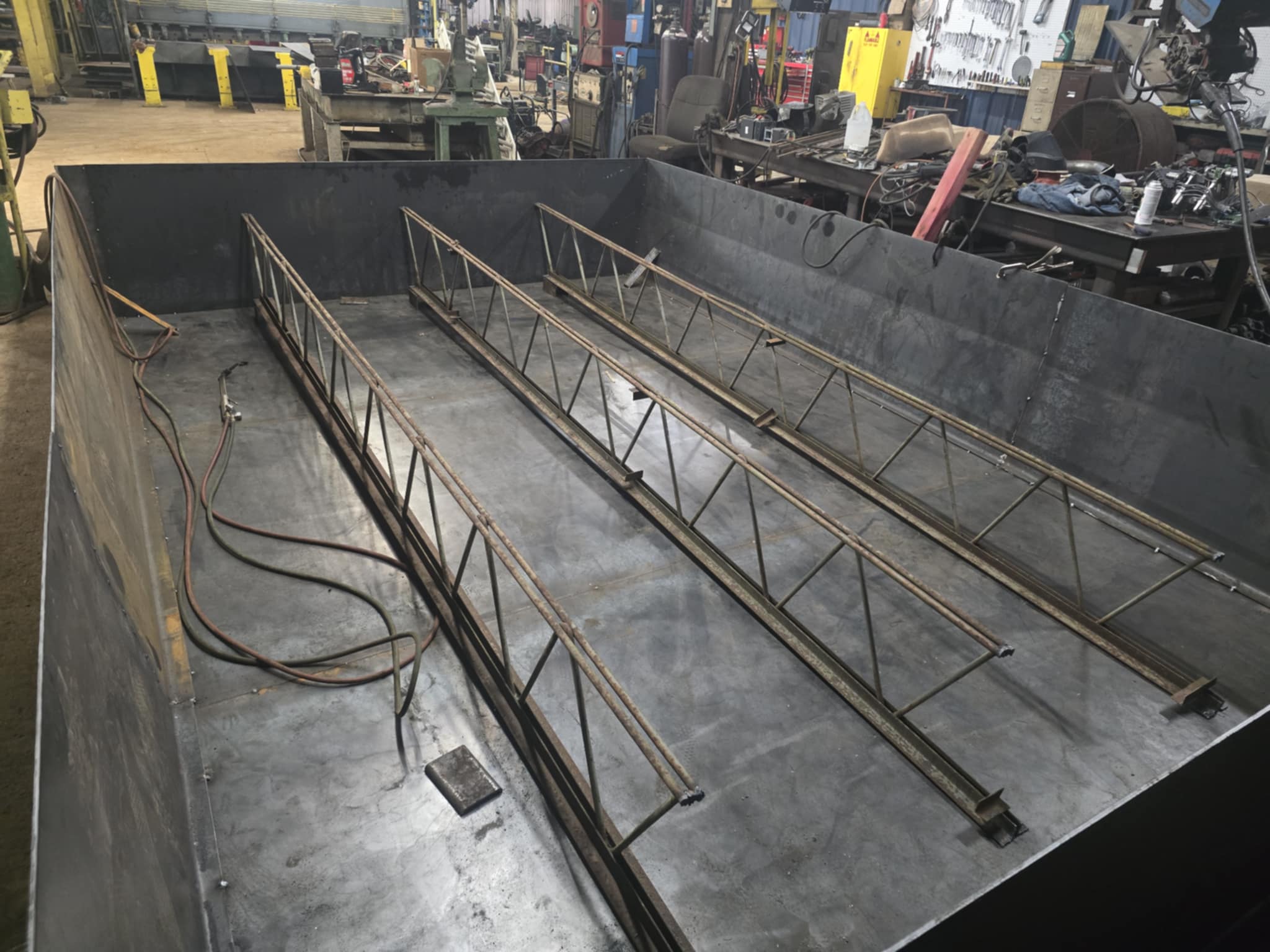
 

I changed things up a bit from the cad model to work better with the materials I have laying around the shop. Hoping to have the mechanical side of things completed to run the table by the end of the month.
  • P.J.B.C
  • P.J.B.C
11 Dec 2024 02:10
Same settings, different result was created by P.J.B.C

Same settings, different result

Category: Basic Configuration

Hi guys i have been updating to the latest 2.9.3 pre-empt iso and seem to have an issue with my settings.
The last time i set up the machine i had a nuc which had realtek nics because i was running debian 10 i was able to select a slightly older board to make the compatibility, but with the debian 12 i have moved on to a slightly newer computer with intel 226 nics.

This newer board seems fine but i am having issues that i can't pin down.
So in summary i can't latch out of e-stop.the settings are the same, but it seems to be an issue.
 
  • ihavenofish
  • ihavenofish
11 Dec 2024 01:22
Replied by ihavenofish on topic Rotating coordinate space via probing

Rotating coordinate space via probing

Category: General LinuxCNC Questions

Ha, so here we are for pathpilot. Seems to behave exactly like i imagine it would. Woo.


I guess I need to go look at the probe basic features now.
  • D Jensen
  • D Jensen
11 Dec 2024 01:14
Replied by D Jensen on topic Retrofitting a 1986 Maho 400E

Retrofitting a 1986 Maho 400E

Category: Milling Machines

Hi Mark,
While I looking around for stuff on the previous entries I came across these 2 images, I can't recall where I got them from. They relate to stuff we discussed a way back. I mentioned that the resistors on the gear change were never invoked on my machine. I translated the images using Google, which I know you don't need, but I see at the bottom they mention the resistors are not needed for later Mahos. Mine is certainly fine without them. I'm thinking that the earlier Philips controller would have been much slower and maybe could monitor the cams fast enough. The diagrams are also the first I've seen that explain the actual reason for cams 4 and 5. So it may be that with the massive improvements in clock speeds since then the LinuxCNC conversions may not need them either? Mine still uses cam 5 as I recall to decide which way the ladder code hunts a cam lobe first. Presumably for the case where you've had a crash and it's not on a cam lobe.

Another thing I'm surprised at is that in the LinuxCNC conversions you keep a lot of the relay logic. Wouldn't it be better to shift the I/O for that into the computer and make it "fly by wire". As it stands there is a lot of relay logic outside LinuxCNC that it doesn't know about. You would still need relays for shifts in voltage like 5K1, but it wouldn't be for logic. On my machine it would involve a more than it can do I think. But in both our cases it seems we have a dinosaur brain sitting in parallel with a modern one.

Cheers,
David
  • ihavenofish
  • ihavenofish
11 Dec 2024 01:09
Replied by ihavenofish on topic Rotating coordinate space via probing

Rotating coordinate space via probing

Category: General LinuxCNC Questions

Cool. That's seems to be the same function I need. I just need it to be in a probe cycle.

That answers the "is it there" question for sure. Thanks.
  • tommylight
  • tommylight's Avatar
  • ihavenofish
  • ihavenofish
11 Dec 2024 00:52
Rotating coordinate space via probing was created by ihavenofish

Rotating coordinate space via probing

Category: General LinuxCNC Questions
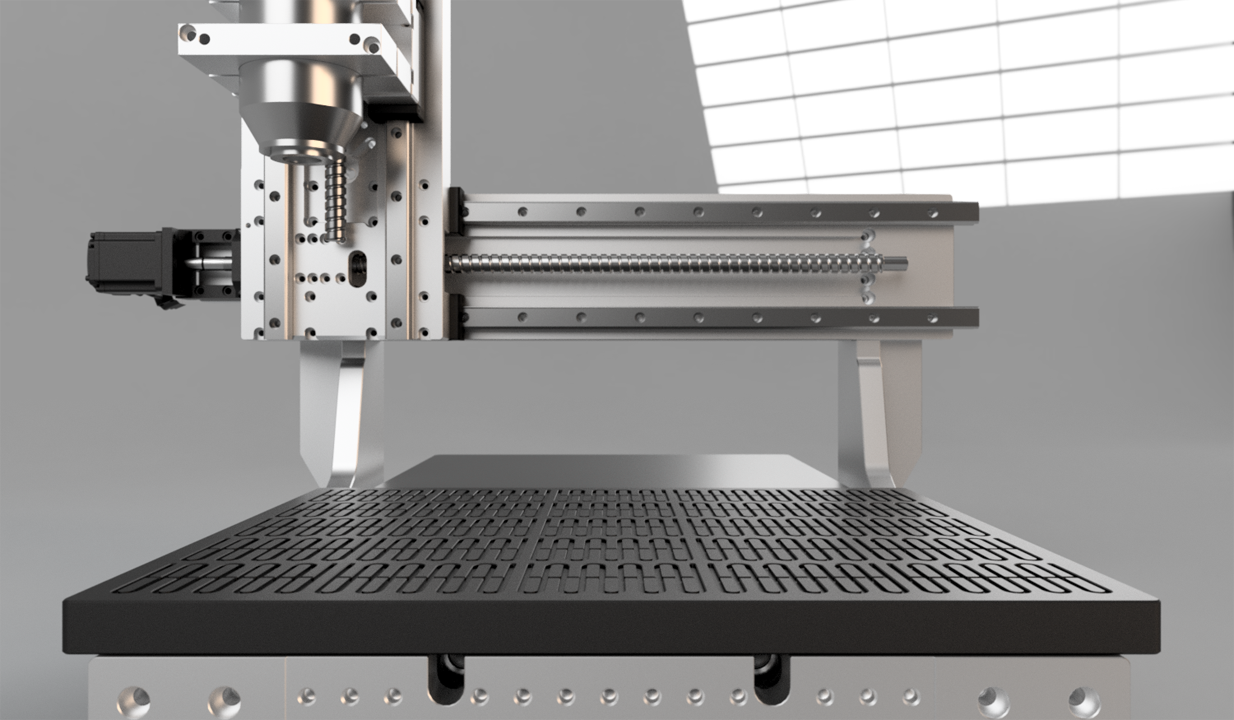
Working on my larger machine and based on the work I'm gonna use it for, being able to probe a part or work piece and then have the machine not just offset but also rotate the coords would be nice. For clarity, I want to stick stock down and if that stock happens to be 12 degrees out of square the probe will measure and then rotate the program to match the stock. (12 degrees is extreme of course, but it gets the point across).I understand linuxcnc *can* rotate coords, but beyond that I know nothing on the topic. Has anyone made use of this? How does it work? 


  • tommylight
  • tommylight's Avatar
11 Dec 2024 00:51

ESP32/S2/S3 LinuxCNC Controller (6 axis hardware step gen), USB plug-and-play

Category: Computers and Hardware

Gave it a try, still reboots when enabling LinuxCNC.
Have to try another module just in case.
  • CORBETT
  • CORBETT's Avatar
11 Dec 2024 00:34 - 11 Dec 2024 01:18

Ethercat build from source instructions - Updated for 2024

Category: EtherCAT

For the impatient, here are all the commands after installing the OS with a GUI

"The forum always changes the hyperlinks, so when you do the "git" clone commands, type out the full hyperlink"


sudo apt update
sudo apt dist-upgrade
sudo apt install linux-image-rt-amd64
sudo apt install linux-headers-rt-amd64
sudo reboot
uname -a
dpkg --list | grep linux-image
sudo apt remove --purge linux-image-(THE REST OF THE KERNEL NAME FROM GREP)
sudo apt install git build-essential
git clone github.com/LinuxCNC/linuxcnc.git   linuxcnc-dev
cd linuxcnc-dev
git checkout master
cd debian
./configure uspace no-docs  
cd ..
dpkg-checkbuilddeps  
sudo apt install  "LIST OF DEPS COPIED FROM DPKG-CHECKBUILDDEPS"
dpkg-checkbuilddeps  
cd src
./autogen.sh
./configure --with-realtime=uspace --disable-build-documentation-translation
make
sudo make setuid
. ../scripts/rip-environment
linuxcnc   (this will fail and you run the script below to get LCNC working)
~/linuxcnc-dev/lib/python/qtvcp/designer/install_script
(YOU CAN CHOOSE 1 OR 2 DEPENDING ON IF YOU WANT TO EDIT OR NOT)
cd ~
git clone gitlab.com/etherlab.org/ethercat.git ethercat-master
cd ethercat-master
git checkout stable-1.6
./bootstrap
sudo lspci -v
./configure --sysconfdir=/etc/ --disable-8139too --enable-userlib --enable-generic
make all modules
sudo su
make modules_install install
depmod
exit
ip a
sudo pico /etc/ethercat.conf
   (FIX YOUR MAC ADDRESS AND DEVICE NAME, THEN SAVE AND EXIT)
sudo systemctl enable ethercat.service
sudo systemctl start ethercat.service
sudo systemctl status ethercat.service
sudo chmod 666 /dev/EtherCAT0
ethercat master
sudo pico /etc/udev/rules.d/99-ethercat.rules
   (ADD THIS TO THE ABOVE FILE)
KERNEL=="EtherCAT[0-9]", MODE="0777"
   (THEN SAVE AND EXIT PICO)
sudo udevadm control --reload-rules
cd ..
git clone github.com/linuxcnc-ethercat/linuxcnc-ethercat.git linuxcnc-ethercat
cd linuxcnc-ethercat/src/
sudo pico Makefile
   (Now comment out part of lines.  Just add the “#” where shown below:)
   (At line 83 of the code, comment out “lcec configgen”)

user: lcec_conf lcec_devices #lcec_configgen
   (At line 92 of the code, comment out the whole line)
# cp lcec_configgen $(DESTDIR)/usr/bin/
   (At lines 113 - 121 of the code, comment out the whole line)
#lcec_configgen: configgen/*.go configgen/*/*.go
# (cd configgen ; go build lcec_configgen.go)
# cp configgen/lcec_configgen .
#configgen/devicelist: configgen/devicelist.go
# (cd configgen ; go build devicelist.go)
#configgen/drivers/drivers.go: configgen/devicelist lcec_devices
# (cd configgen ; go generate)
   (THEN SAVE AND EXIT)
cd ..
make clean
make
make install
sudo pico /etc/ld.so.conf
   (ADD THIS TO THE ABOVE “ld.so.conf” FILE)
/usr/local/lib
   (THEN SAVE AND EXIT PICO)
sudo su
ldconfig -v
exit

Then you setup your XML and LCNC config and that's it...
Displaying 21886 - 21900 out of 22082 results.
Time to create page: 0.703 seconds
Powered by Kunena Forum