I installed it today using the guide and everything worked first try!!
After moving my subroutines to the new directory even that causes no problem. I have the day off so in the afternoon i will experiment with programming in NativeCam.
I am so thankful to you guys for figuring this out and I´m looking forward to using Nativecam for the vast majority of projects in the future.
To solve the "lathe problem", please backup your files to be changed and try this:
copy default_template.xml (attached to this message) in
/home/linuxcnc/nativecam/catalogs/lathe/projects/
Replace the existing file.
Then:
sudo geany /usr/share/linuxcnc/gladevcp/NativeCAM/cfg/lathe/material.cfg
Remove the line 84 "header h3". All the line, without lefting an empty line.
Save the file, and maybe the problem is solved.
Let me know.
RegardsGiovanni
P.S. there is a revised installation guide too, if someone may be interested in.If you have already installed NativeCAM, you don't need this new guide since all the precedure is already done.
P.P.S: I am thinking my english is not so good image missing /media/kunena/emoticons/blush.png
Last edit: 1 year 5 months ago by Giovanni. Reason: Forgot some piece and files
And I copied an existing folder in qt_dragon config folder.
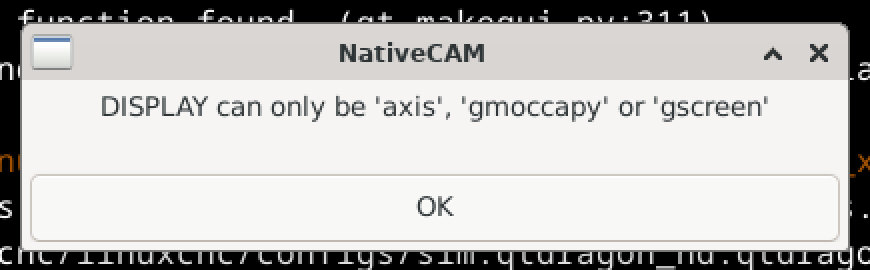
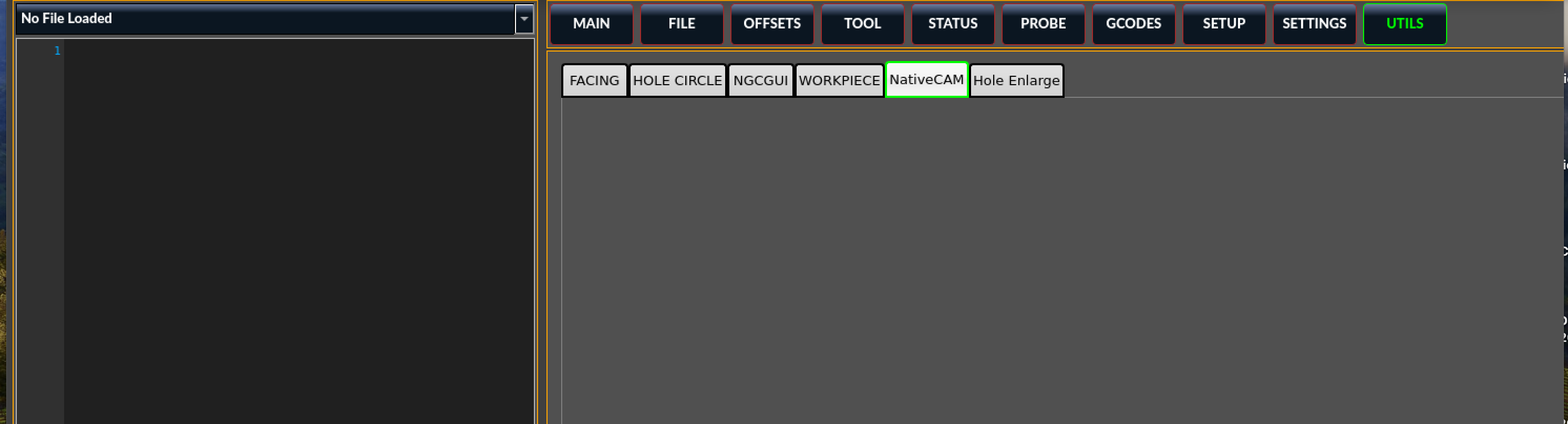
The NativeCam tab (empty) is shown, but NativeCAM wont'run cause it declares a DISPLAY problem.
I'll try to trick NativeCAM to avoid the display check, to see if it will run.