Work with probe

More
7 years 11 months ago #121570 by verser
Replied by verser on topic Work with probe

FernV wrote: I noticed that with gmoccapy, when pressing a jog button and the screen change that it will jog until <esc> is pressed.

Connecting V2 version to gmoccapy has a nuance.
In the .ini file everything is as usual:
Code:
EMBED_TAB_NAME=Probe Screen EMBED_TAB_LOCATION = ntb_user_tabs EMBED_TAB_COMMAND = gladevcp -x {XID} -u python/probe_screen.py probe_icons/probe_screen.glade

And then I fixed gmoccapy.py so that it doesn’t wipe Probe Screen when switching MDI-MANUAL modes.
For this I comment out the line (requires root)
self.widgets.ntb_main.set_current_page (0)

here


and here

gmoccapy placed in /usr/bin
The following user(s) said Thank You: FernV

Please Log in or Create an account to join the conversation.

More
7 years 11 months ago #121599 by newbynobi
Replied by newbynobi on topic Work with probe
Hallo verser,

your changes in gmoccapy could lead to a gui not beeing syncronised with LinuxCNC mode state!

Imho that is not a good idea. It would be better to check if probe screen is active and only in that case avoid a gui mode switch. That way is much more complicated, but secure.

I needed to do a similar check for the tool reloading on start up!

Norbert
The following user(s) said Thank You: verser

Please Log in or Create an account to join the conversation.
More
7 years 11 months ago #121616 by Roguish
Replied by Roguish on topic Work with probe
verser, fernV, and newbynobi,
do you all know what Cmorley is working on with QtVCP and QT5?
it might be good to work together....
at least check it out.
just a thought.
thanks for the work. B)

Please Log in or Create an account to join the conversation.

More
7 years 10 months ago #122470 by Vitkus
Replied by Vitkus on topic Work with probe
Hello,
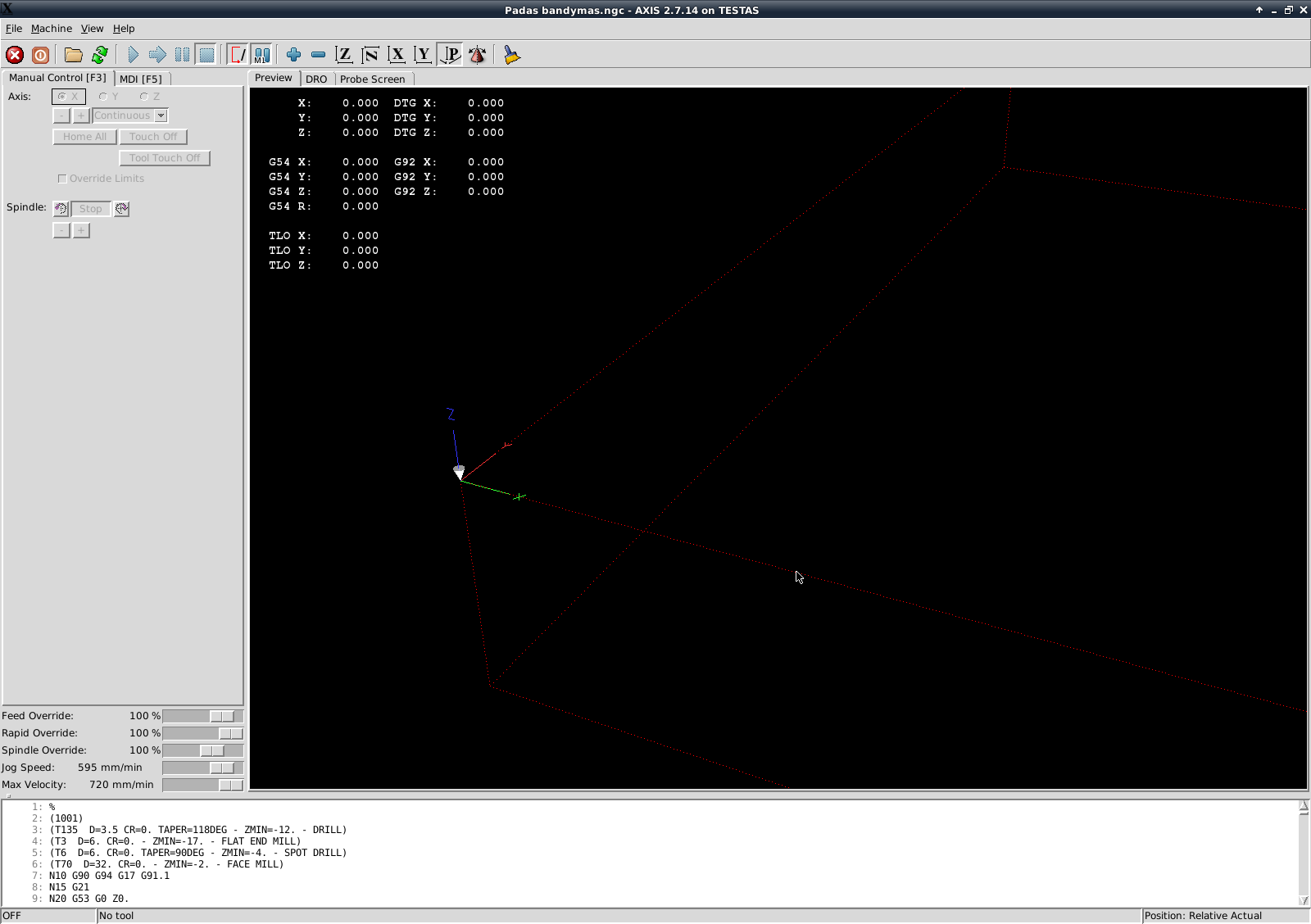
I installed Probe Screen V2 and it seem all functions work fine, but when I try upload Gcode (from fusion 360) code not work. In preview screen it doesen't show tool pases, when I try hit cycle start machine go to Z0 and then nothing happens. I noticed G code without tool in descripcion work fine(example linux engrave program "Linux CNC" ). So I what to ask if anyone have similar problem and solve it, or I simply wrongly intalled program and asked stupid question? :dry:

Please Log in or Create an account to join the conversation.

More
7 years 10 months ago #123150 by Karri
Replied by Karri on topic Work with probe
Damn, i should have look this thread 3 hours ago, fighting with the same problem x)

Should there come some sort tool replacing window where you could click "tool replaced"? atleast it doesn't come for me :(

Please Log in or Create an account to join the conversation.

More
7 years 10 months ago #123155 by verser
Replied by verser on topic Work with probe
Tool replacing window can fall to a level below due to manipulations with the mouse on the Axis screen during the procedure. You can pull out it by folding Axis in the tray.

Please Log in or Create an account to join the conversation.

Time to create page: 0.156 seconds
Powered by Kunena Forum
