Touch Plate Explanation please

More
5 years 11 months ago #190363 by Aciera
Haven't been able to look at the .clp files as I don't have access to a machine with LinuxCNC on it.

One quick thing I noticed in your INI:
Code:
[HAL] HALUI = halui HALFILE = Router.hal HALFILE = custom.hal POSTGUI_HALFILE = postgui_call_list.hal

Are you sure you are calling "custom_postgui.hal"? I can't check it because I don't know what postgui_call_list.hal looks like.

Maybe you could zip up your whole config folder and post that?

Please Log in or Create an account to join the conversation.

More
5 years 11 months ago - 5 years 11 months ago #190364 by shortcircuit48
Thanks for your reply. I am a 75yr old apprentice so need a bit of time. Hope attached is correct file.

File Attachment:

File Name: postgui_call_list.hal
File Size:259 B

File Attachment:

File Name: pyvcp_options.hal
File Size:234 B

File Attachment:

File Name: custom_pos...1-26.hal
File Size:1.09 KB


First time for me

File Attachment:

File Name: RouterConfig.zip
File Size:164 B
Last edit: 5 years 11 months ago by shortcircuit48.

Please Log in or Create an account to join the conversation.
More
5 years 11 months ago #190399 by Aciera
Oops, folder is empty. "File Size: 0KB"

So go to your "config" folder and right click on the folder then choose "compress" from the menu"

Please Log in or Create an account to join the conversation.
More
5 years 11 months ago #190415 by shortcircuit48
I suspected that and have been to "night school" for Zip.
Hope I have got it this time

File Attachment:

File Name: Router.zip
File Size:9.72 KB

Please Log in or Create an account to join the conversation.
More
5 years 11 months ago - 5 years 11 months ago #190443 by Aciera
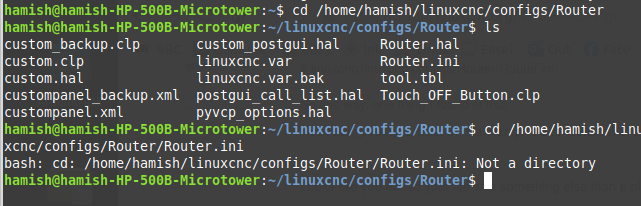
In cases like this it is often useful to start your config from the terminal. So open a terminal window and type (make sure the path is correct for your system) and then see if there are any errors in the terminal window:
$ linuxcnc linuxcnc/configs/Router/Router.ini

So this way, one thing I found is this:
Code:
custom_postgui.hal:6: Warning: File contains DOS-style line endings.

Looks like you edited your file with something else than a plain text editor.

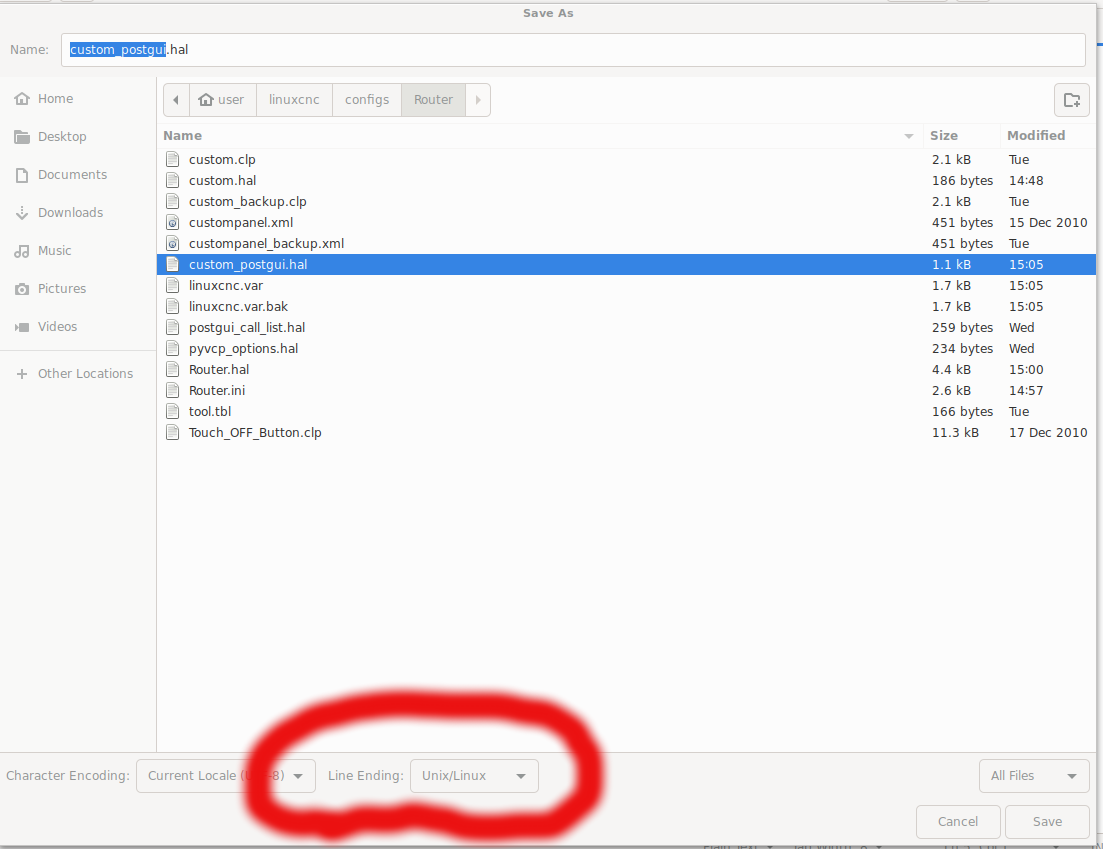
So open "custom_postgui.hal" up in gedit and choose Save As end then for "Line Ending" at the bottom of the window :

Then:
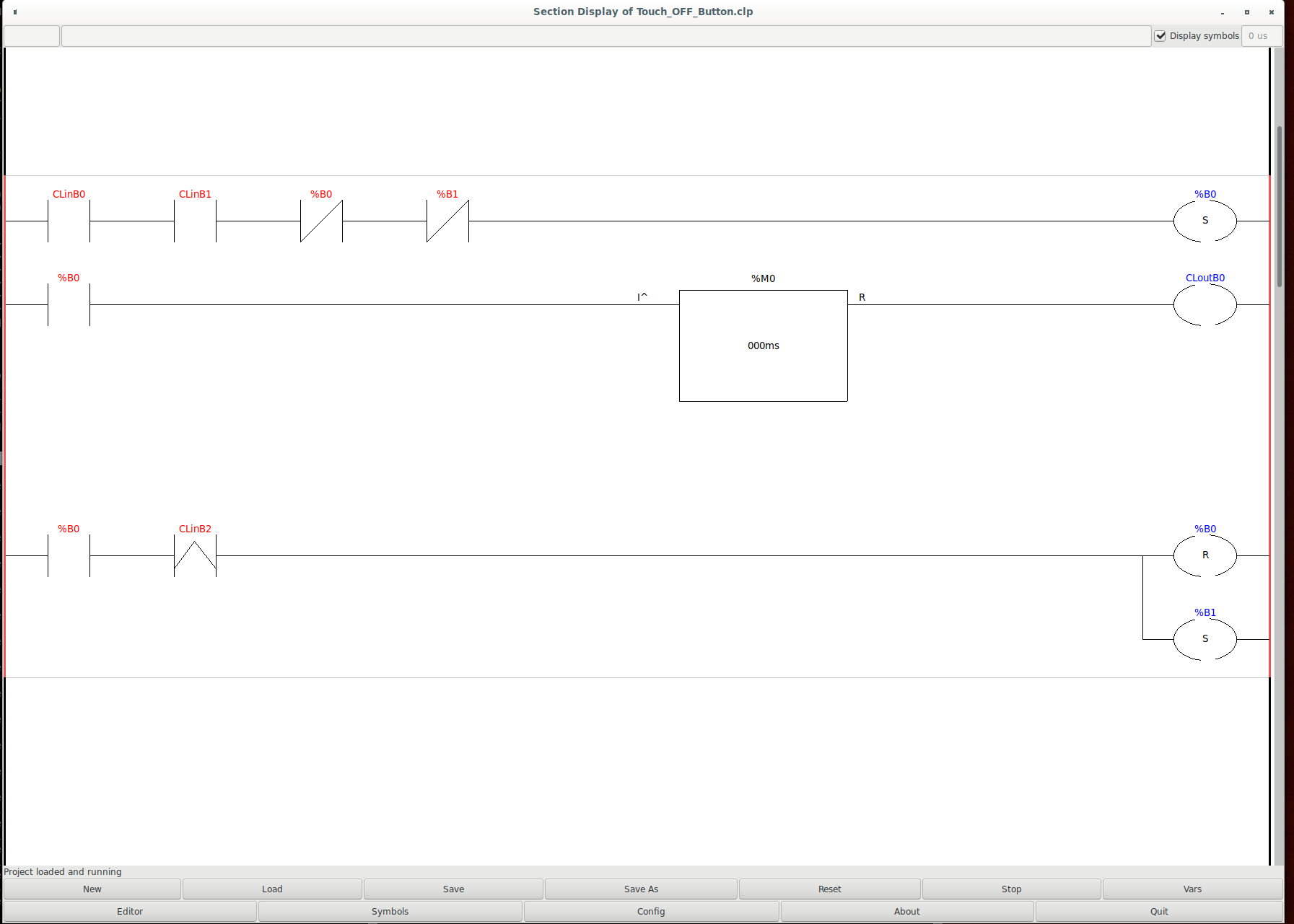
You are loading to classicladders. I'm not even sure that is allowed but maybe its ok. custom.clp doesn't load for me at all.
So may be try to change
loadusr classicladder --nogui custom.clp
to
loadusr classicladder custom.clp
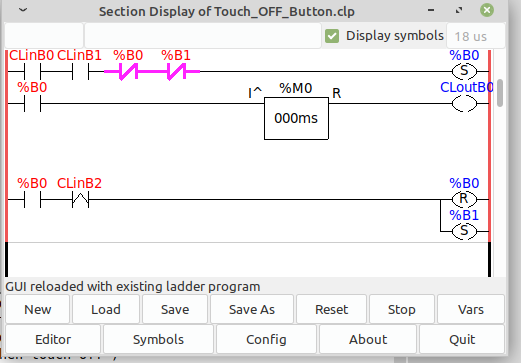
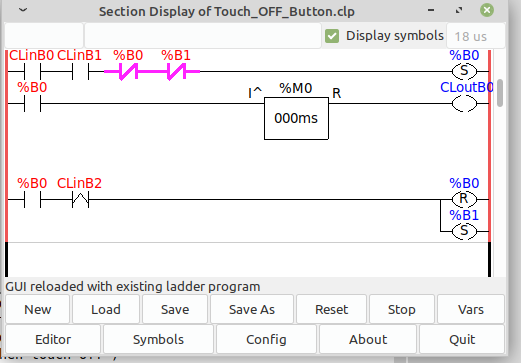
as this will load a window with the ladder gui so you can see what is happening when you try stuff.

[edit]
looks like this:
Last edit: 5 years 11 months ago by Aciera.

Please Log in or Create an account to join the conversation.
More
5 years 11 months ago - 5 years 11 months ago #190456 by shortcircuit48
I followed the terminal commands and I post results which did not show any errors.


I had on early doors used a text editor until I remebered gedit I have managed to load the Classic ladder and it looks like what you have posted but I am all at sea with this. I will potter about/search google until I get something that will be informative, hopefully.

Certainly keeping the brain active.
Thanks again
Last edit: 5 years 11 months ago by shortcircuit48.

Please Log in or Create an account to join the conversation.
Time to create page: 0.227 seconds
Powered by Kunena Forum
