Advanced Search

Search Results (Searched for: )

  • Aciera
  • Aciera's Avatar
05 Jun 2025 08:32
  • BlownCorona
  • BlownCorona
05 Jun 2025 07:01
Replied by BlownCorona on topic Mesa 7i97T & LinuxCNC setup struggles

Mesa 7i97T & LinuxCNC setup struggles

Category: Installing LinuxCNC

i have struggled to find out what "mode" my drivers run in. as far as i can tell there is no option to choose between the torque or velocity. 

My drivers are Advanced Motion Control (branded as Precision Valve & Automation) B12A6F-PV2. i have not been able to track down any manual or documentation for this specific drive, but i do have a general setup guide from AMC which covers this era of hardware and gives me some idea of how to operate it. 

www.a-m-c.com/wp-content/uploads/support...ual_Analog_Panel.pdf

However in re reading the above documentation i think the dip switch labeled "open loop" on my drive (which is switched off) is the mode change switch, with "open loop" being velocity, and the alternative being torque. Pages 14 - 16 have the modes of operation, but my drives do not have all those options. below is an image of what i have showing the pots and the dip switches. 

www.a-m-c.com/product/b12a6/


  • alexandrap
  • alexandrap
05 Jun 2025 06:57 - 05 Jun 2025 06:59
Replied by alexandrap on topic Updating pncconf for 7i95t

Updating pncconf for 7i95t

Category: PnCConf Wizard

texas instruments TPS2596 - 2.7 to 19 V, 0.125 to 2-A, 89-mΩ eFuse With Accurate Current Monitor and Fast Overvoltage Protection


Adjustable overvoltage lockout (OVLO) with a
response time of 1.3-μs (typical
  • Lcvette
  • Lcvette's Avatar
05 Jun 2025 06:12

Confused about how to set up Probe Basic on a Raspberry Pi

Category: QtPyVCP

we do now have rpi4 apt installation, just need to follow the installation guide for it. it is built in our buildbot.

kcjengr.github.io/probe_basic/development_quick_start_apt.html
  • Lcvette
  • Lcvette's Avatar
05 Jun 2025 06:05

Porbe basic lathe: Questions about the keyboard

Category: QtPyVCP

ok i have reworked keyboard jogging, it now has the following functionality and is available in the latest apt install for develop branch.

ini settings:

KEYBOARD_JOG = true
(turns keyboard jogging on)

KEYBOARD_JOG_SAFETY_OFF = true
(removes the need for the control key)

shift key + jog key will give you rapid jog speed (works in safety mode and normal mode)

jog key gives you jog speed with jog feed override slider percentage applied


Probe Basic Lathe uses the following for keyboard jogging:

Left and Right arrow keys for Z axis
Up and Down arrow keys for X Axis

(in the display section, set one of the following entries only, LATHE is for front tool post, BACK_TOOL_LATHE is for rear mounted tool post)

[DISLPLAY]

LATHE = 1
(this makes X Positive direction jog key the down arrow key)

BACK_TOOL_LATHE = 1
(this makes X Positive direction jog key the up arrow key)

I think these all make sense and follow the linuxcnc std a little more closely!

Best Regards,

Chris
  • Kieran
  • Kieran
05 Jun 2025 05:15
Replied by Kieran on topic xml and hal - I am lost

xml and hal - I am lost

Category: EtherCAT

Ive got a single X axis going!

I used info from here...    forum.linuxcnc.org/ethercat/54965-stepperonline-a6-servo


My main problem this evening was installing the cia402  hal correctly. I ended up just making a dedicated folder home/linuxcnc/cia402 and placed cia402.comp there. 

 Then I opened the terminal and  >>     sudo halcompile --install cia402.comp  


that worked!
  • juliankoenig87
  • juliankoenig87
05 Jun 2025 04:50
Replied by juliankoenig87 on topic Toyota embroidery machine - retrofit

Toyota embroidery machine - retrofit

Category: CNC Machines

To be honest. I think I would ad a lever and a switch for homing (plus index). But it depends. Maybe you want to have it as original as possible?
  • juliankoenig87
  • juliankoenig87
05 Jun 2025 04:47
Replied by juliankoenig87 on topic Toyota embroidery machine - retrofit

Toyota embroidery machine - retrofit

Category: CNC Machines

For homing I would meassure how much the resistor value changes for one motor revolution. After that one can think of solutions. That said. It would be a good step to identify the ratios of the axis.

For the needle encoder. Plug it to a mesa card (first test with bench power supply and oscilloscope) and turn 10 revolutions....
  • rodw
  • rodw's Avatar
05 Jun 2025 03:08
Replied by rodw on topic Using the preinstalled vnc server

Using the preinstalled vnc server

Category: Installing LinuxCNC

I can assure you a VNC of any kind is not included in the distribution ISO.
  • rodw
  • rodw's Avatar
05 Jun 2025 03:06

Confused about how to set up Probe Basic on a Raspberry Pi

Category: QtPyVCP

I don't think there is a prebuilt Probe Basic for the Pi. You would need to build from source
  • rodw
  • rodw's Avatar
05 Jun 2025 03:04
Replied by rodw on topic New HAL Components - Best Practice

New HAL Components - Best Practice

Category: HAL

Just recompile it.
  • cakeslob
  • cakeslob
05 Jun 2025 00:27 - 05 Jun 2025 00:49

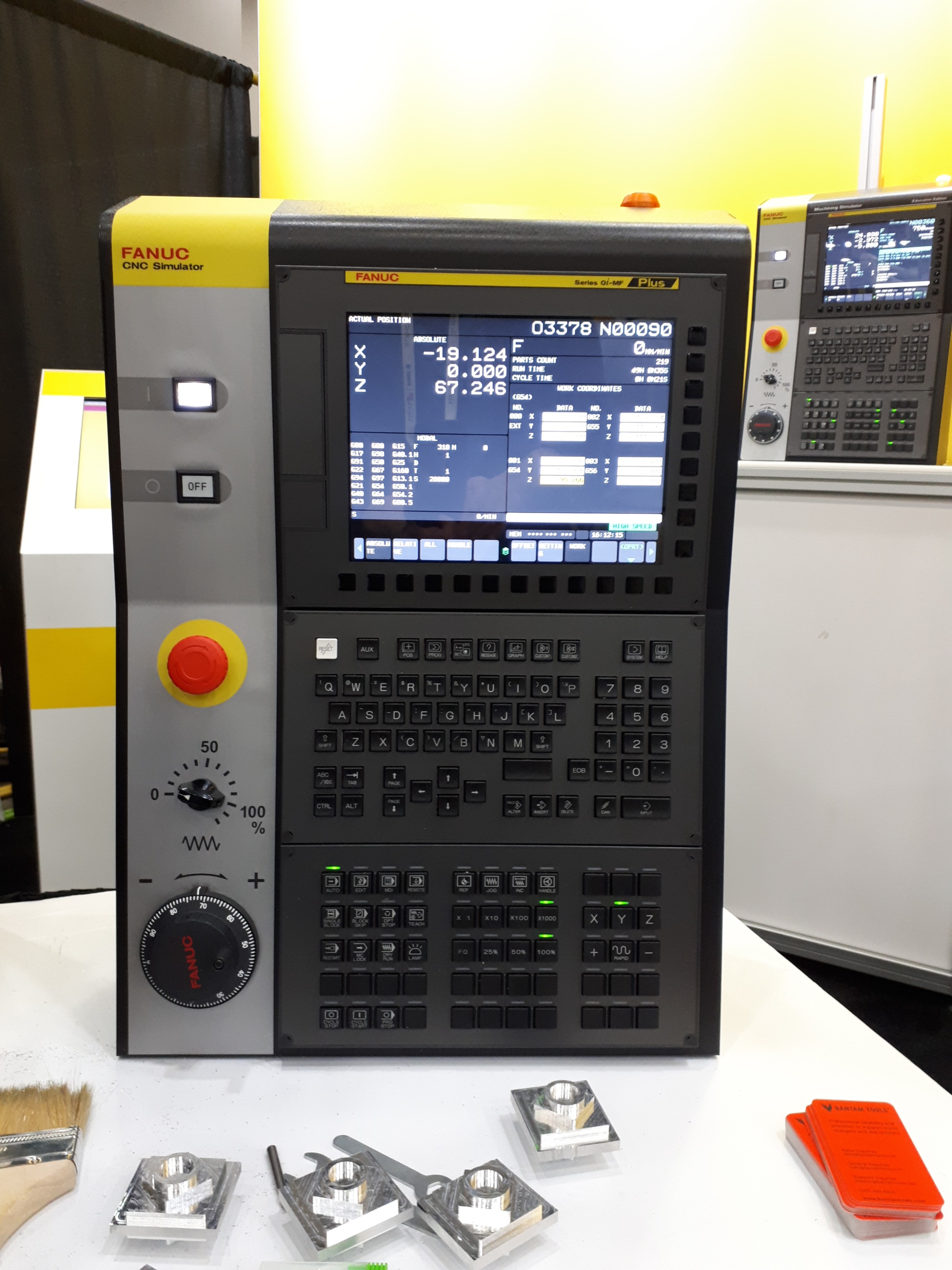
GUI that somewhat resembles haas or fanuc workflow.

Category: General LinuxCNC Questions
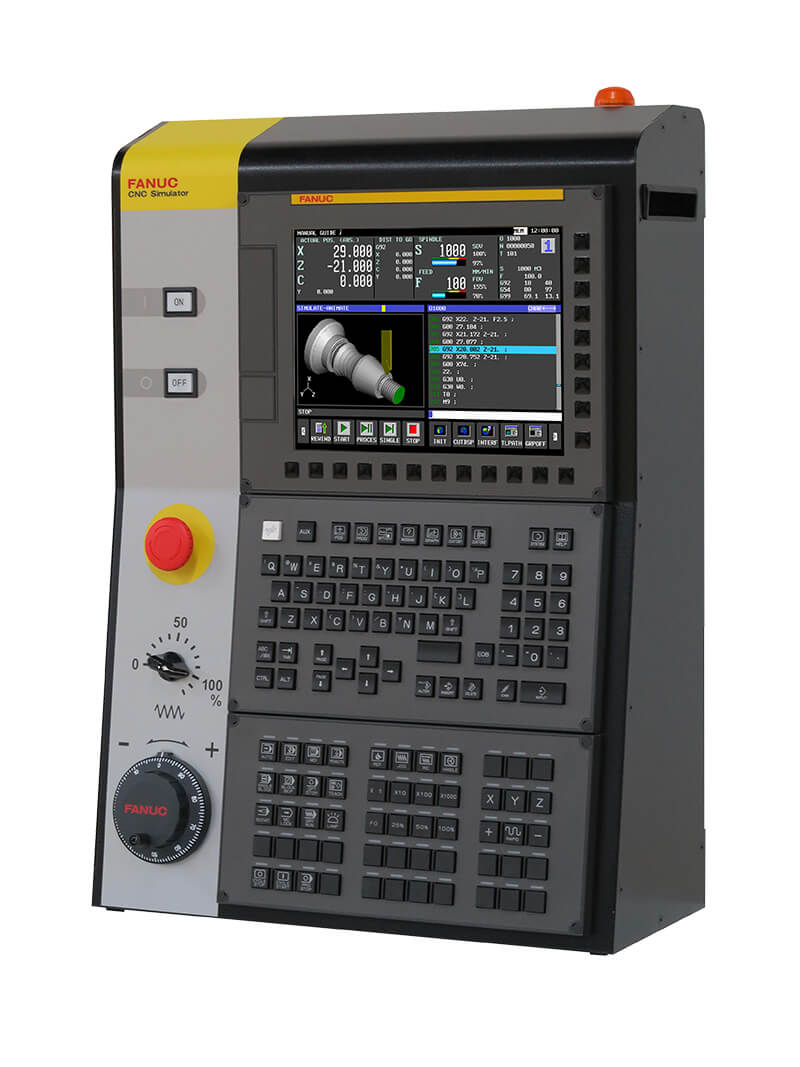
The whole idea of a more industrial gui is difficult to implement/deploy on linuxCNC since theres not really a premade unit with a unified set of controls. Everyone is going to have different physical setups. I think lots can be done in hal already but some stuff is hard to do, like the ability to not need a mouse by default. Axis is already pretty close to technically not needing a mouse to operate, but it lacks features. The peripherals needed to run axis (file manager, tool editor, gcode editor) kill the whole thing also.


second for the parameter page, I made an attempt to make a parameter display for axis, based on qtvcp code, but I am stuck on how to change them.
github.com/cakeslob/regularmac_800/tree/offset
Ive made good progress making the axis gui more fanuc like, PhilC has helped me a lot, and I use lots of stuff from qtvcp because it has all the features I want. I post this to show its not all gui whining but computers are hard.


by computer gui standards, its pretty shit, and its hard as all hell to do stuff, and this is the "new", they went with a dark mode.
But Cnc workflow wise, its very fast, stable and safe, with very little screwing around. Its annoying compared to the LinuxCNC guis, but the workflow is less clumsy.
they always blast me for this in irc
 
  • Cdub
  • Cdub
04 Jun 2025 23:41
Replied by Cdub on topic M62-M68 codes not working

M62-M68 codes not working

Category: Plasmac

Wow that was simple lol. Thank you I also added M50 to the preamble to allow adaptive feed. Just to be sure but working great now. Thank you
  • tommylight
  • tommylight's Avatar
04 Jun 2025 21:45
Replied by tommylight on topic Updating pncconf for 7i95t

Updating pncconf for 7i95t

Category: PnCConf Wizard

Yes, it is still disconnected because I am waiting for the installation of the fast overvoltage electronic efuse TPS2596

To the 5V Mesa power?
I do not think any fuse is faster than silicium/silicone inside the chips.
Put a switch on the primary side of the power supply.
  • PCW
  • PCW's Avatar
04 Jun 2025 20:15
Replied by PCW on topic Mesa 7i97T & LinuxCNC setup struggles

Mesa 7i97T & LinuxCNC setup struggles

Category: Installing LinuxCNC

Are you sure the drives are in velocity mode?

If they are in torque mode, the tuning is completely different.

In velocity mode, the motors should strongly resist any attempt
to rotate the shaft (even with P=0)
Displaying 13846 - 13860 out of 17417 results.
Time to create page: 0.977 seconds
Powered by Kunena Forum