New Project with Mesa 7I96 and THCAD-05

More
5 years 4 months ago - 5 years 4 months ago #213294 by acourtjester
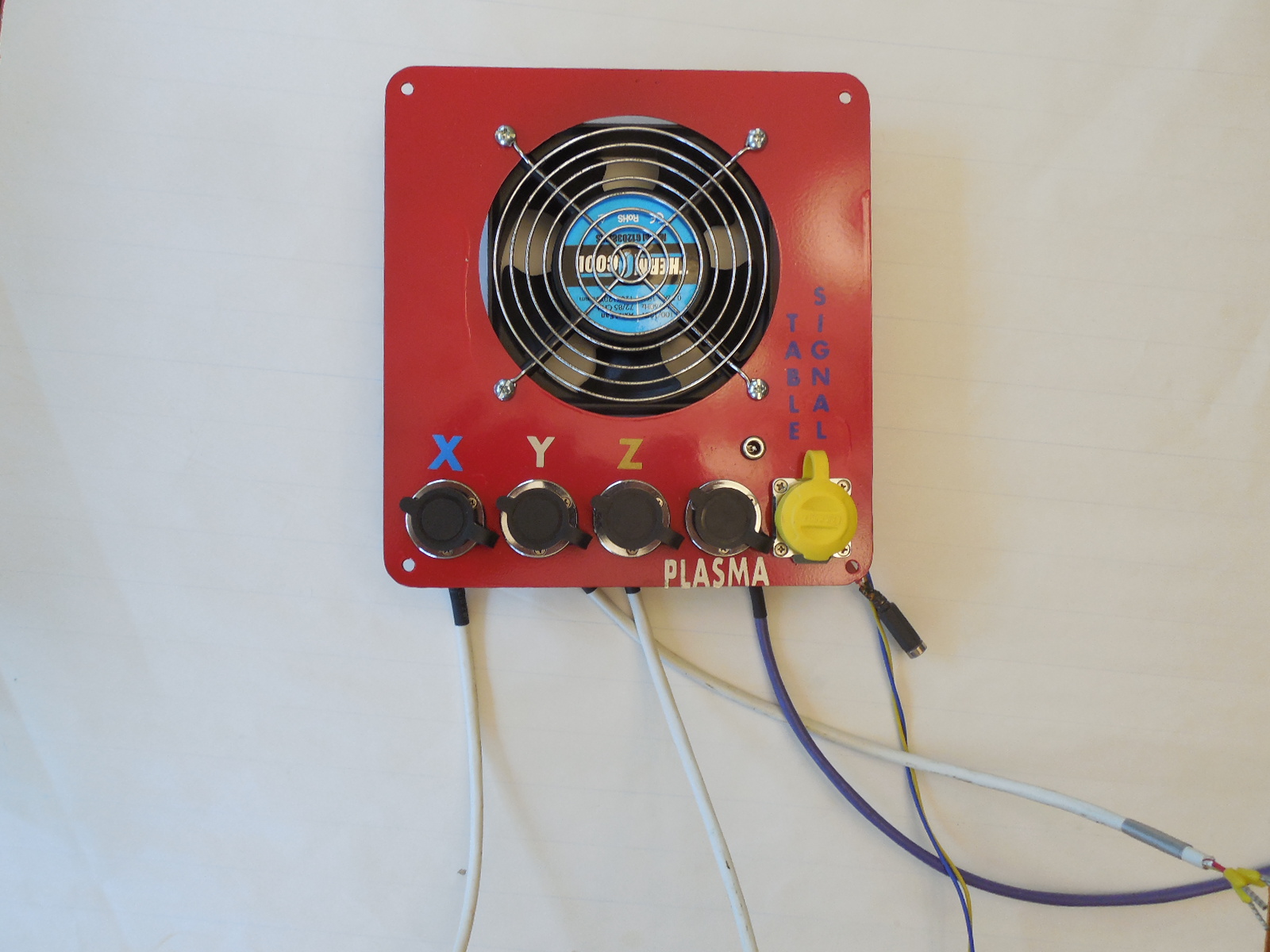
Thanks PhillC I was hoping not to have to add more wiring, but if that what I need it will get done. I may need to change the panel on the side of the controller for an additional plug/jack.image missing /media/kunena/emoticons/whistling.png Lucky I have one additional 5 pin and 6 pin set.
 
 
Last edit: 5 years 4 months ago by acourtjester.

Please Log in or Create an account to join the conversation.

More
5 years 4 months ago #213295 by phillc54
You shouldn't have to but it is an option and you have plenty of inputs available. I assumed from the pic on that post and the following statement that you had already changed to individual ones.

Please Log in or Create an account to join the conversation.

More
5 years 4 months ago #213296 by acourtjester
Not yet but I need to get this thing going, I am at a low stage of completion. I am still not getting the basic things going. I cannot seem to understand the formation of the Hal configuration by the things I enter in the Pncconf, and then looking at the Hal and or INI files. As Rod said get the basic file then modify it. Well you first need to understand how and where to make the changes. There seems to be so many options to select.  Again I think it is the syntax of a line so it will not error out when I open the program. I understand the purpose but not the assembly. I have not reached the ah ha moment.image missing /media/kunena/emoticons/laughing.pngimage missing /media/kunena/emoticons/laughing.png  Maybe when I make the changes you listed above and be able to see them in Hal show watch.
Thanks for the help and info

Please Log in or Create an account to join the conversation.

More
5 years 4 months ago #213297 by phillc54
I just ran pncconf and it seems that it doesn't get all-limit-home connected correctly in hal. If you had a single pin for home and limits on all axes you would need the following hal sections to look like:
Code:
# --- ALL-LIMIT --- net all-limit-home <= hm2_7i76e.0.gpio.039.in (or whatever pin you used) #******************* # AXIS X JOINT 0 #******************* # ---setup home / limit switch signals--- net all-limit-home => joint.0.home-sw-in net all-limit-home => joint.0.neg-lim-sw-in net all-limit-home => joint.0.pos-lim-sw-in #******************* # AXIS Y JOINT 1 #******************* # ---setup home / limit switch signals--- net all-limit-home => joint.1.home-sw-in net all-limit-home => joint.1.neg-lim-sw-in net all-limit-home => joint.1.pos-lim-sw-in #******************* # AXIS Z JOINT 2 #******************* # ---setup home / limit switch signals--- net all-limit-home => joint.2.home-sw-in net all-limit-home => joint.2.neg-lim-sw-in net all-limit-home => joint.2.pos-lim-sw-in

Please Log in or Create an account to join the conversation.

More
5 years 4 months ago #213298 by acourtjester
Thanks PhillC That is what I needed to see I will plug that in the morning. I think I can change some wiring with the setup I have.

Please Log in or Create an account to join the conversation.

More
5 years 4 months ago - 5 years 4 months ago #213301 by phillc54
You will also need the the following in the ini file to set up automatic homing:
Code:
[JOINT_0] HOME_SEARCH_VEL = -0.050000 HOME_LATCH_VEL = -0.025 HOME_FINAL_VEL = 0.1 HOME_SEQUENCE = 1 #****************************************** [JOINT_1] HOME_SEARCH_VEL = -0.050000 HOME_LATCH_VEL = -0.025 HOME_FINAL_VEL = 0.1 HOME_SEQUENCE = 2 #****************************************** [JOINT_2] HOME_SEARCH_VEL = 0.050000 HOME_LATCH_VEL = 0.025 HOME_FINAL_VEL = 0.1 HOME_SEQUENCE = 0 #******************************************
The first two will probably not be negative for joint 2 if Z axis home is the pos-limit, values you can play around with when it is working.

Because you have combined switches you will need to change the HOME position in each [JOINT_n] section of the ini file so that each axis has moved off the switch to allow the next axis to home. HOME_OFFSET is the actual position of the switch and HOME is the home position where the axis moves to when homing for that axis is complete.

A pretty good description of homing is at:
linuxcnc.org/docs/devel/html/config/ini-homing.html

EDIT: If we had run PnCconf with your config requirements then we would have seen your dilemma. I have posted a PR that attempts to fix the issue. Sorry you had to go through this...
github.com/LinuxCNC/linuxcnc/pull/1201

Last edit: 5 years 4 months ago by phillc54.
The following user(s) said Thank You: tommylight

Please Log in or Create an account to join the conversation.

Time to create page: 0.322 seconds
Powered by Kunena Forum