
- Posts: 5711
- Thank you received: 2100
Another plasma component...
- phillc54
- Offline
- Platinum Member
-

Less
More
7 years 6 months ago #130534
by phillc54
Replied by phillc54 on topic Another plasma component...
Following my interpretation of John's config I am going to:
Add a pin for probe start height: Z will rapid to this height (if it was higher) then begin probing.
I will put a spinbox in the config panel for this as well.
Add a pin for ohmic attempts: the number of attempts at ohmic probing before fallback to float switch probing.
I will put a spinbox in the config panel for this as well.
Also I now think that having a separate config panel as John has is a better idea, it would then be an option to totally remove the config panel and associated python and hal files and setp all the parameters on that page in plasmac.hal
Anyhow I will start on the probing mods as above.
Cheers, Phill.
Add a pin for probe start height: Z will rapid to this height (if it was higher) then begin probing.
I will put a spinbox in the config panel for this as well.
Add a pin for ohmic attempts: the number of attempts at ohmic probing before fallback to float switch probing.
I will put a spinbox in the config panel for this as well.
Also I now think that having a separate config panel as John has is a better idea, it would then be an option to totally remove the config panel and associated python and hal files and setp all the parameters on that page in plasmac.hal
Anyhow I will start on the probing mods as above.
Cheers, Phill.
- tommylight
- Offline
- Moderator
-

Less
More
- Posts: 22011
- Thank you received: 7491
7 years 6 months ago #130541
by tommylight
Replied by tommylight on topic Another plasma component...
Good morning Phill.
3:55 AM here, off to grab some zzzzzzzzzzzzzzz.
3:55 AM here, off to grab some zzzzzzzzzzzzzzz.
- phillc54
- Offline
- Platinum Member
-
Less
More
- Posts: 5711
- Thank you received: 2100
7 years 6 months ago #130543
by phillc54
Replied by phillc54 on topic Another plasma component...
Lunch time here for me Tom
- JTknives
- Offline
- Elite Member
-

Less
More
- Posts: 243
- Thank you received: 32
7 years 6 months ago - 7 years 6 months ago #130563
by JTknives
Replied by JTknives on topic Another plasma component...
I have been holding off asking questions on here because I figured I should be able to muddle my way through it. Well I got everything installed and everything seems to have worked. Also it seems that zero stray cats where installed which in guessing is good lol. But I have come to a point where I'm kinda embarrassed to ask for help. How do I run this new fangled thing-a-ma-bob? In the home/user folder I have a folder that says LinuxCNC and LinuxCNC-dev. I'm guessing the LinuxCNC is from my previous install. I dug around the dev folder buck can't see anything to run. If I open a comand prompt and type LinuxCNC it looks like my standard cnc that opens. I dig around in the samples listed and can't find anything named like the screen shots posted on the first posts by the OP. Thanks guys - JT
My plasma table is on the cusp of being completed so I figured why not test it with the new stuff you guys have been slaving over.
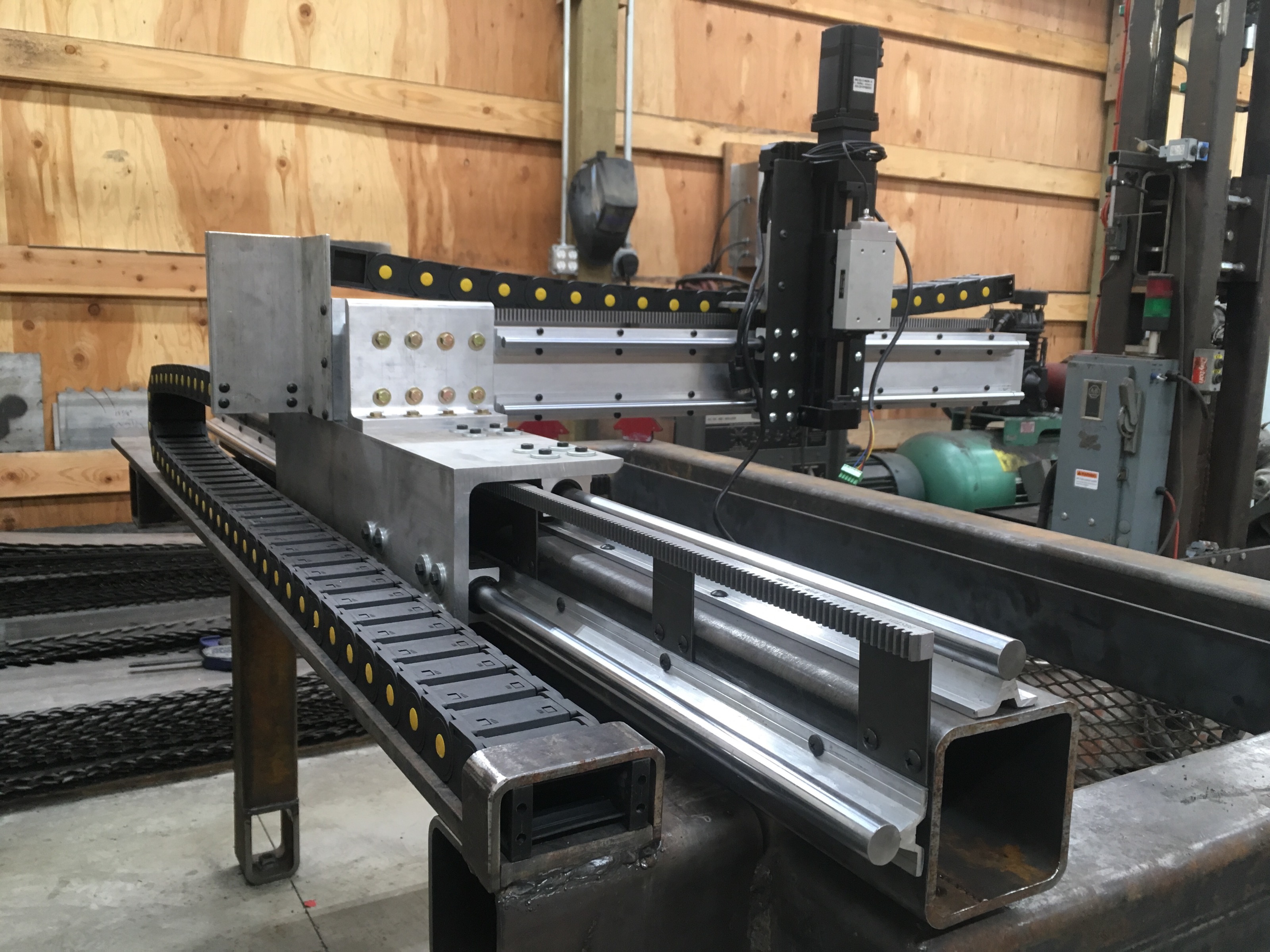
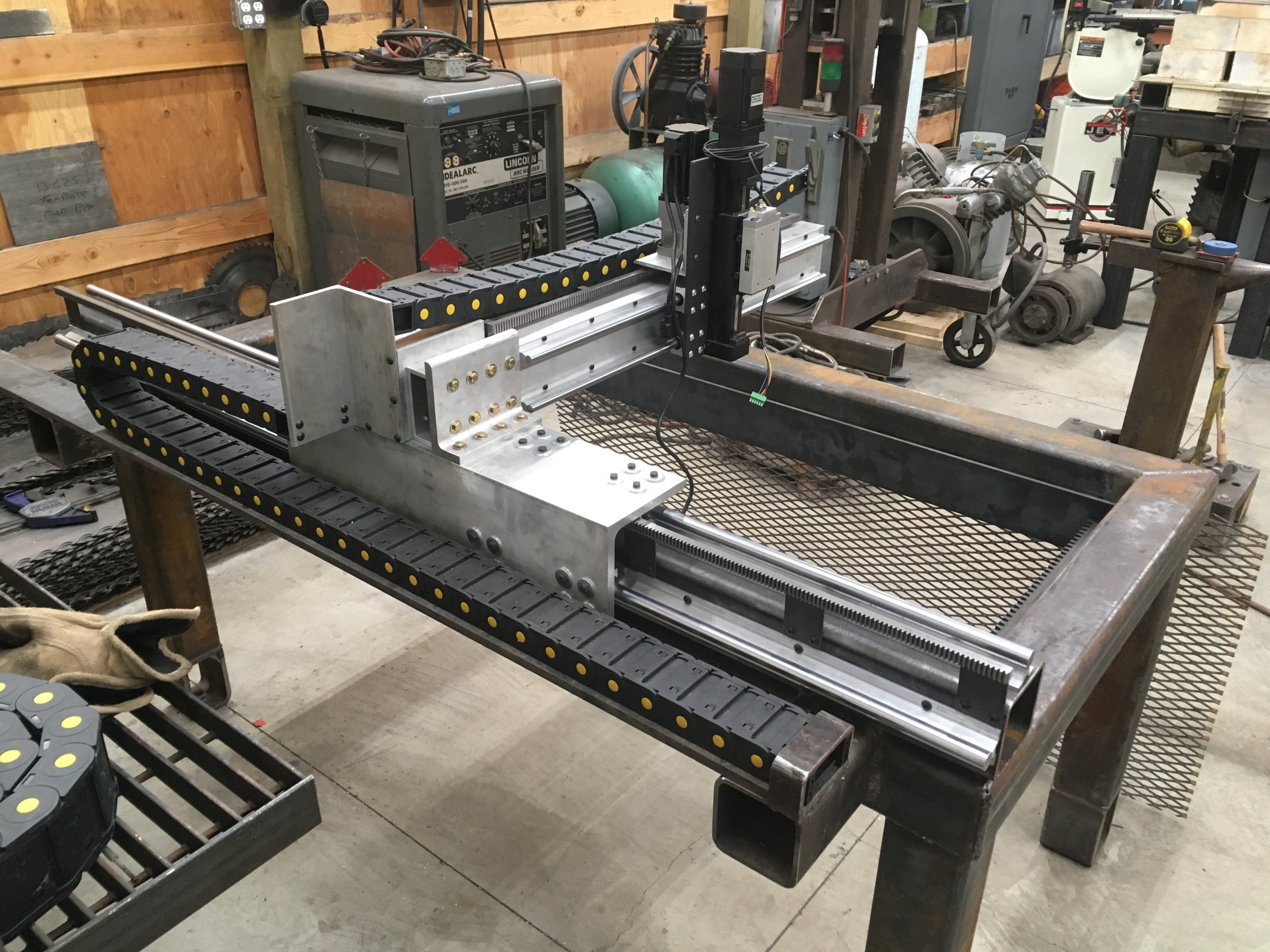
My plasma table is on the cusp of being completed so I figured why not test it with the new stuff you guys have been slaving over.
Last edit: 7 years 6 months ago by JTknives.
- rodw
- Offline
- Platinum Member
-
Less
More
- Posts: 12170
- Thank you received: 4153
7 years 6 months ago - 7 years 6 months ago #130573
by rodw
Replied by rodw on topic Another plasma component...
No need to be embarrassed. we are here to help. So it sounds like you have installed the linuxcnc as a run in place (RIP) system and you also have an earlier installed version.
So by default, all of your path variables will be pointing to the earlier installed version. So open a terminal window and navigate to ~/linuxcnc_dev folder then try typing
There is a good tutorial here which describes this:
www.wiki.eusurplus.com/index.php/LinuxCNC_Run_In_Place
note the dots before the first slash. that is important
So you should now open the compiled version.
If you have not yet compiled plasmac, you can make a new folder ~/plasmac and follow the instructions to compile again except connect to Phill's git, not linuxcnc's
Good looking machine!
EDIT: what you are doing is setting the runtime environment variables to look in the ~/linuxcnc-dev folder as all of the RIP executables are in that folder, not installed in the system folders as is the case with the standard install. Al all errors should get printed to the terminal window if you stuff something up.
So by default, all of your path variables will be pointing to the earlier installed version. So open a terminal window and navigate to ~/linuxcnc_dev folder then try typing
Code:
$ . ../scripts/rip-environment
$ linuxcnc
There is a good tutorial here which describes this:
www.wiki.eusurplus.com/index.php/LinuxCNC_Run_In_Place
note the dots before the first slash. that is important
So you should now open the compiled version.
If you have not yet compiled plasmac, you can make a new folder ~/plasmac and follow the instructions to compile again except connect to Phill's git, not linuxcnc's
Good looking machine!
EDIT: what you are doing is setting the runtime environment variables to look in the ~/linuxcnc-dev folder as all of the RIP executables are in that folder, not installed in the system folders as is the case with the standard install. Al all errors should get printed to the terminal window if you stuff something up.
Last edit: 7 years 6 months ago by rodw.
- tommylight
- Offline
- Moderator
-
Less
More
- Posts: 22011
- Thank you received: 7491
7 years 6 months ago #130578
by tommylight
Replied by tommylight on topic Another plasma component...
That "thing" looks very nice.JTknives wrote: How do I run this new fangled thing-a-ma-bob?
Moderators: snowgoer540
Time to create page: 4.191 seconds