Advanced Search

Search Results (Searched for: )

  • NtroP
  • NtroP's Avatar
26 Feb 2025 23:23
Replied by NtroP on topic Looking for advice retrofitting older CNC

Looking for advice retrofitting older CNC

Category: Driver Boards
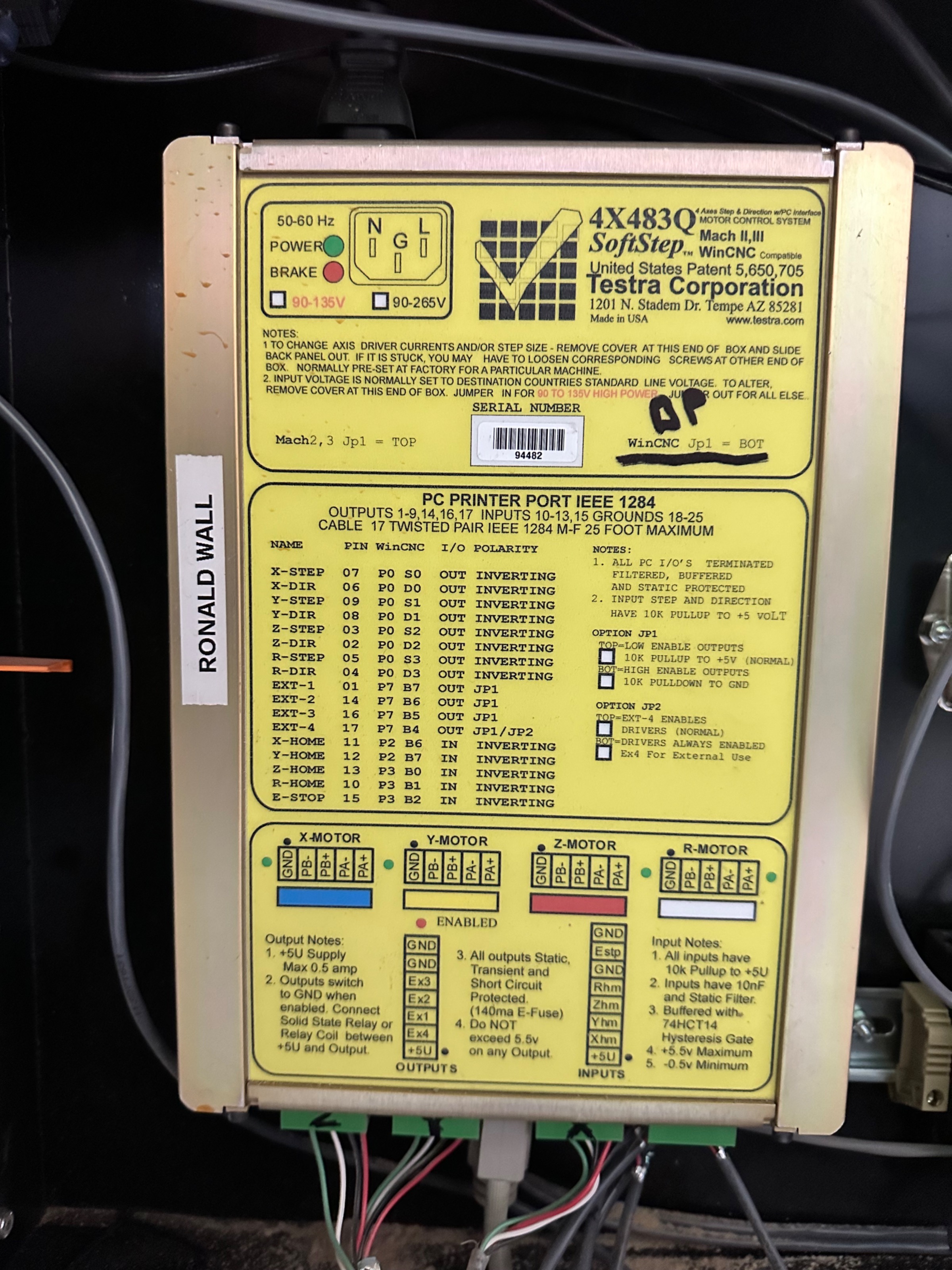
Hmmm... Can't figure out how to edit a post. Here's an image of the controller
  • 109jb
  • 109jb
26 Feb 2025 23:23 - 27 Feb 2025 01:55

Closed loop stepper error input hal question

Category: Basic Configuration

Hi all. I am trying to figure out the last step of configuring my machine. For background, I am using a Raspberry Pi 4b with the current LinuxCNC image from the downloads section. The RPi is connected to a Byte2Bot parallel hat which is in turn connected to a parallel port breakout board. I have managed to figure out all of the step, direction, and limit switch stuff and now have a machine that moves, homes, etc.

The final thing I want to do is define an input to LinuxCNC to stop motion if one of my closed loop stepper motors throws a fault. Essentially like hitting the E-stop. The stepper drivers each have a fault output pin and all of these fault outputs from the drives are wired to parallel port pin 10 of the BOB. This should be GPIO 25 (GPIO connector pin 22). For everything else I have done I have used templates and just been able to change pin numbers. I believe the hal entries would look something like this:

net driver-fault <= hal_gpio.GPIO25-in
net driver-fault => iocontrol.0.emc-enable-in

I believe this would result in a stepper driver fault essentially tripping the emergency stop.  I don't have a way to test this right at the moment and was wondering if someone could take a look and see if my thinking is correct?

Thanks,

John B 
  • NtroP
  • NtroP's Avatar
26 Feb 2025 23:18

Looking for advice retrofitting older CNC

Category: Driver Boards
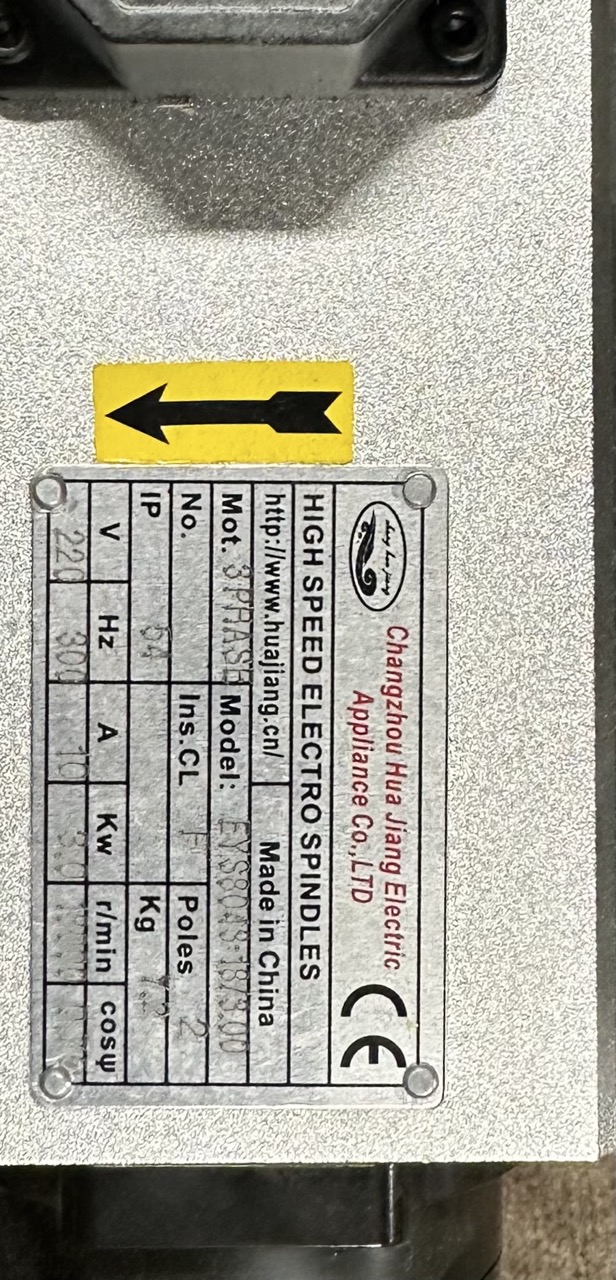
Greetings.

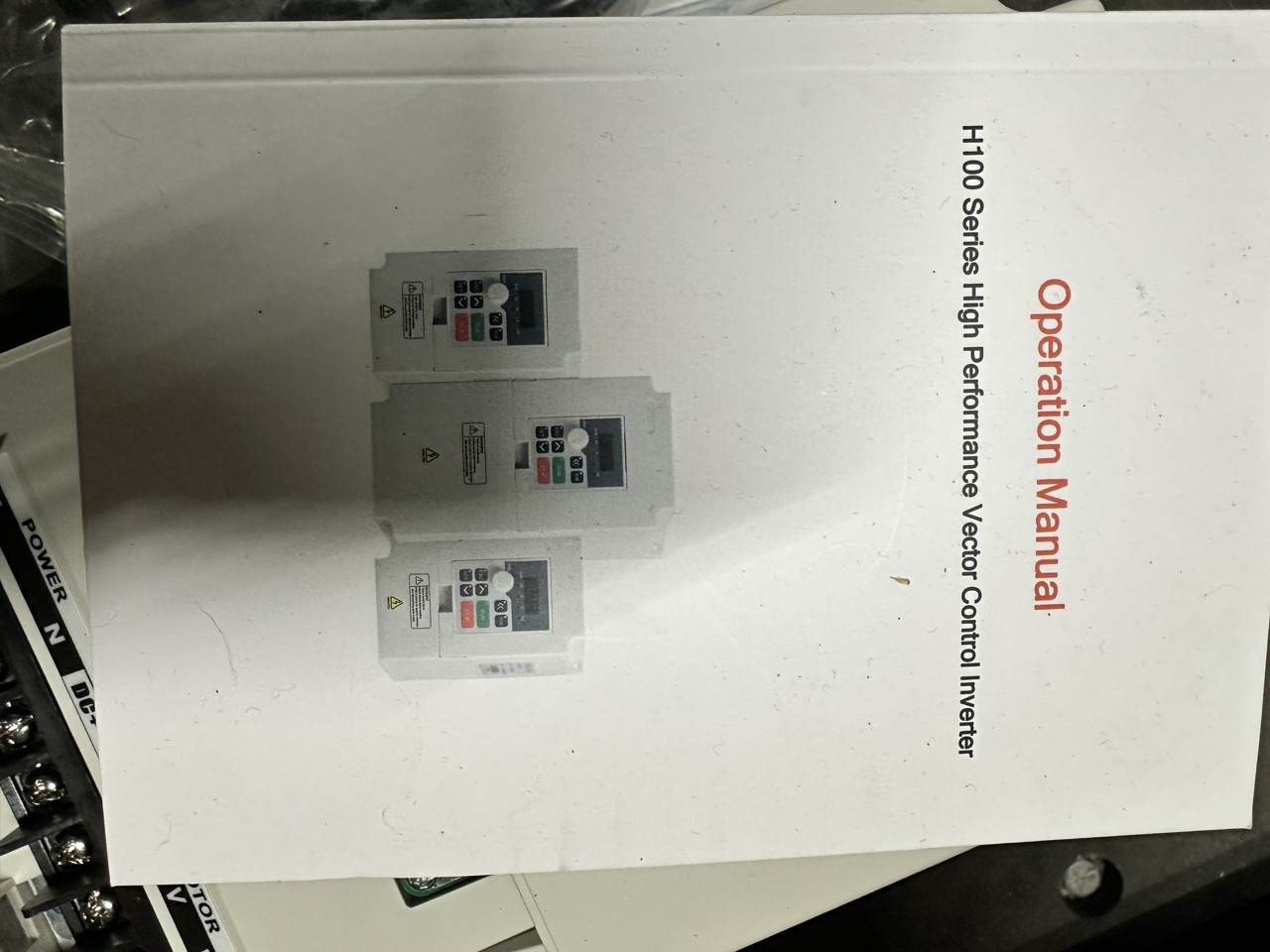
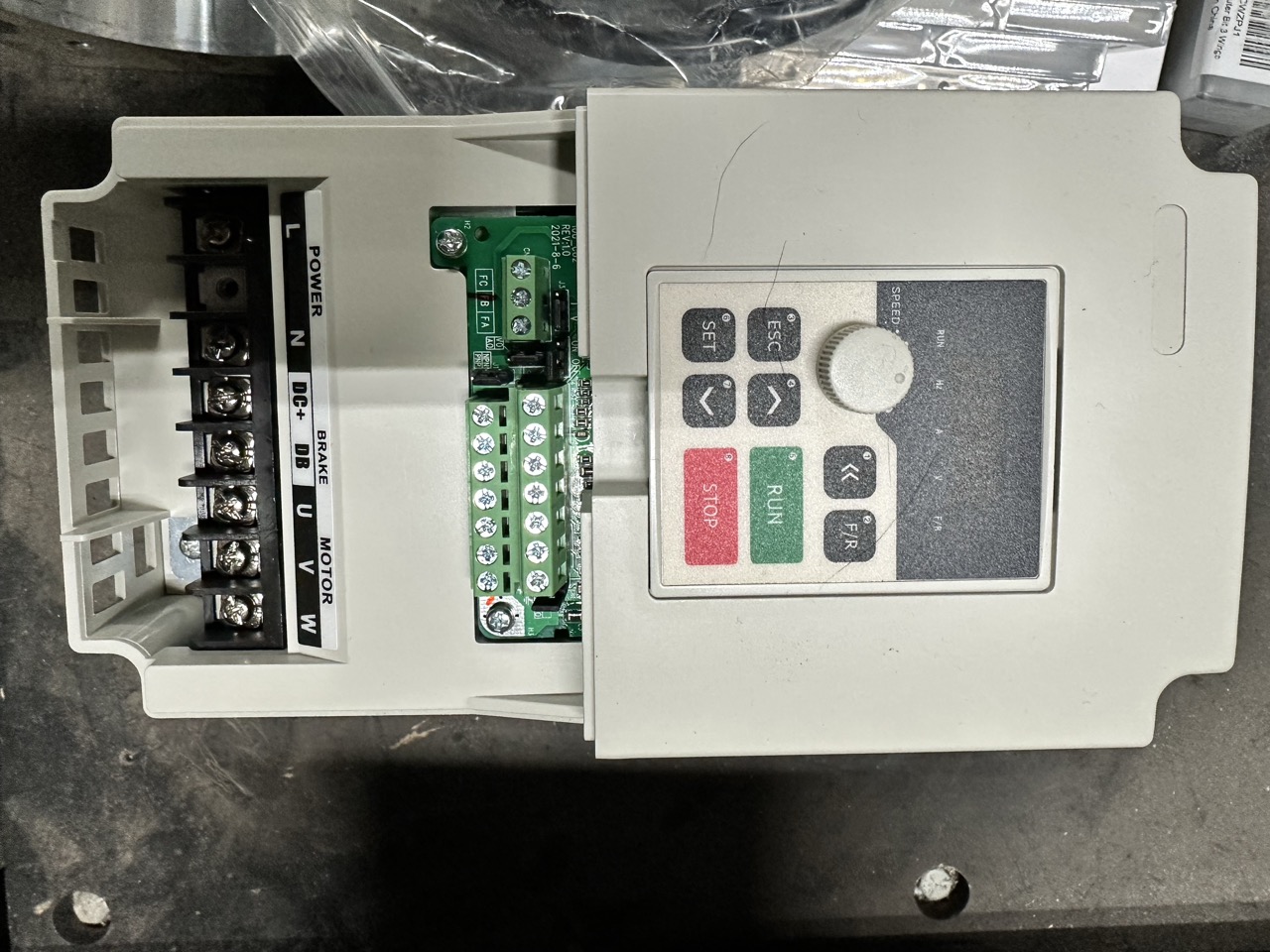
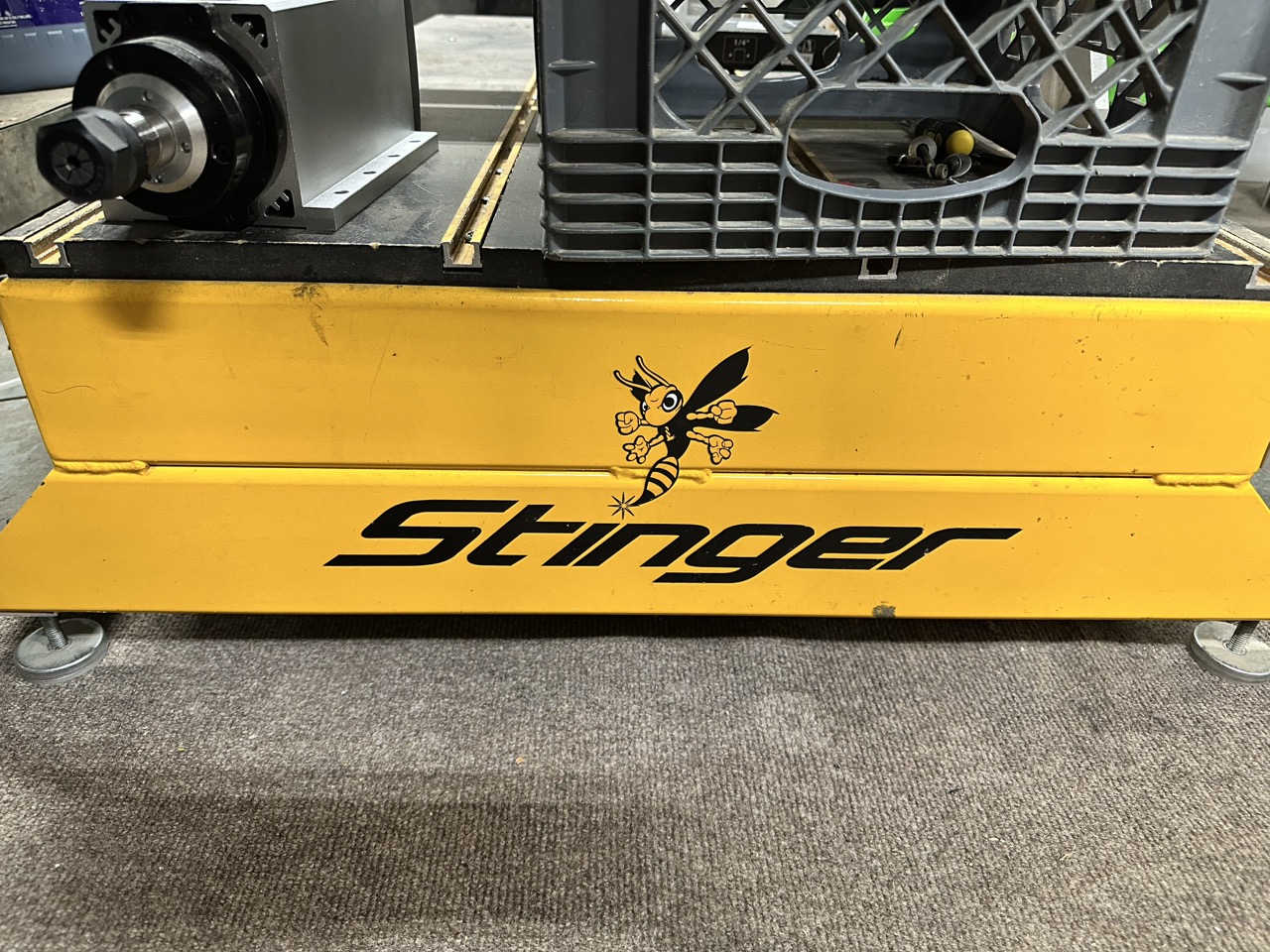
I'm new to linuxCNC (and CNC in general). I've been "gifted" a Stinger CNC after the owner upgraded to a newer machine because he was having problems with the software on this one. It came with an OLD tower PC running WinXP and WinCNC. This was connected via parallel port to another box that housed the controller and other electronics like the emergency shutoff switch, etc.  The controller it uses is a Testra 4x483Q.  I've purchased a mini-pc with a parallel port and loaded linuxCNC on it. I've begun trying to get it configured to talk to the controller but it's not natively compatible and it's been giving me some issues. Frankly, I'd just as soon put new controllers into the box that are natively supported by LinuxCNC but before I go spending hundreds of dollars on what would be a stab in the dark for me, I thought I'd ask for some advice.  Oh, I've also purchased a 3-phase, 220V (chinesium) spindle with an H100-series "High Performance Vector Control Inverter" to replace the router it came with so I'd like/need to be able to control that as well.  Any help or advice you can offer will be appreciated. Do I keep fighting with getting the old controller to talk to LinuxCNC or do I get a new set of controllers, power supplies, etc that are known to work with LinuxCNC and build it back up myself (and hopefully learn something along the way?). Recommendations for controllers and power supplies would be great.

Thanks!

  • Dee436
  • Dee436
26 Feb 2025 22:56
Replied by Dee436 on topic QtPlasmac problems

QtPlasmac problems

Category: Plasmac

Thanks PCW.

At the moment all that’s in the kernel command line is quiet
I had previously tried to add an isolcpus=2, 3 using grub-Customizer but it messed up somehow and was forcing it to boot into tty which took a little time to work out and resolve.
I will add the power management in the file manually tomorrow and see if that resolves it. The pings are all low but as you say something must happen that causes some latency every so often
  • rodw
  • rodw's Avatar
26 Feb 2025 22:26
Replied by rodw on topic StepperOnline A6 Servo

StepperOnline A6 Servo

Category: EtherCAT

I'm not surprised I misinterpreted the intent of that pin.  The current state of in-drive homing code and documentation makes it a bit of an "adventure!"

Yes, it is confusing. I tried to use joint.N.is_custom-homing to trigger the cia402 homing input but hal complained about the pin type so had to add a pin of type IO (joint.N.start-homing). I think I could sense homing is done when it is set to zero. But I am getting ahead of myself
  • programador
  • programador's Avatar
26 Feb 2025 22:23
Replied by programador on topic How to increase the Z axis punch speed?

How to increase the Z axis punch speed?

Category: Basic Configuration

Good evening Mr. PCW, everything is fine, I managed to increase the speed, thank you very much. The results of the electronic boards from the manufacturer Mesa were surprising, being able to increase the speed beyond what the machine can support.
Please, can you tell me which HAL configuration component I can use to connect MAX_VELOCITY and MAX_ACCELERATION with a variable in the classicladder or using a UI grid graph in the GMOCCAPY graphical user interface tabs? The machine operator requested to be able to increase and decrease the machine's operating speed without having to change the INI file.
  • rodw
  • rodw's Avatar
26 Feb 2025 21:58 - 26 Feb 2025 21:59

Mesa hm2/hm2_7i96s.0: error finishing read

Category: Driver Boards

dkms builds the drivers from source so you need linux-headers installed for the kernel version you are using. but first you need to
sudo apt purge r8168-dkms

then reboot, then
sudo apt install linux-headers-$(uname -r)
sudo apt install r8168-dkms
  • Lcvette
  • Lcvette's Avatar
26 Feb 2025 21:24
Replied by Lcvette on topic No Keyboard jog after update 2.9.3 to 2.9.4

No Keyboard jog after update 2.9.3 to 2.9.4

Category: QtPyVCP

currently the "+" key in combination with a keyboard jog key will run at max speed, the "-" key in combination with a keyboard jog key will run at 10% of the jog speed slider adjusted speed. so you do have access currently to speed overrides with the keyboard in probe basic.
  • Hastrh2o
  • Hastrh2o
26 Feb 2025 21:11 - 26 Feb 2025 21:17
Replied by Hastrh2o on topic Tool offset problem with Qt

Tool offset problem with Qt

Category: Qtvcp

I ran a linuxcnc 2.9.2 instance with axis in a virtualbox. I look at linuxcnc status.

One call to G10 L1 P1 X10 and G43 works fine. g5x_offset don't move, tool_offset is changing to X10.
The same test with qtaxis needs two call to G10 and G43 in order it works.

I managed to do my offset change on the fly with a numbered variable and two calls to G10, so it's not a problem anymore for me, but I think there's a bug to look at here.
  • tommylight
  • tommylight's Avatar
26 Feb 2025 21:03
Replied by tommylight on topic Fast Hole EDM from Hacked Parts

Fast Hole EDM from Hacked Parts

Category: General LinuxCNC Questions

I already watched that! :)
No LinuxCNC is not built on python, but it does use Python for remap and VCP and lately for every new GUI, it is C/C++ and TCL mostly, as far as i know.
  • tommylight
  • tommylight's Avatar
26 Feb 2025 20:56
Replied by tommylight on topic Step Scale went out the window

Step Scale went out the window

Category: Basic Configuration

What drives are you using?
  • HansU
  • HansU's Avatar
26 Feb 2025 20:53 - 26 Feb 2025 20:55

New GMOCCAPY Installation - Duplicate Object IDs in gmoccapy.glade

Category: Gmoccapy

In this case you should ask Dmitry as I don't know his sources from he built his debs.

Not sure if it would overwrite his drivers if you install the official LinuxCNC package but it could be worth a try.
  • djones@burketruck.com
  • djones@burketruck.com
26 Feb 2025 20:50
Replied by djones@burketruck.com on topic New GMOCCAPY Installation - Duplicate Object IDs in gmoccapy.glade

New GMOCCAPY Installation - Duplicate Object IDs in gmoccapy.glade

Category: Gmoccapy

It is installed from Dmitry's NYX53, which is mainly bringing the NYX stuff up to par with 2.9.4. This is the link: yurtaev.com/nyx32.html
  • Hastrh2o
  • Hastrh2o
26 Feb 2025 20:49
Replied by Hastrh2o on topic Modify AXIS GUI

Modify AXIS GUI

Category: General LinuxCNC Questions

Yes, you will find most answer in the doc. I suggest you to install the complete linuxcnc distrib (it can be done in a virtualbox to use it as a sandbox) to focus on your interface test. Here you can load a simulation example and then modify yourself the different files (some of them are duplicated in your home directory).
Displaying 18406 - 18420 out of 18769 results.
Time to create page: 0.711 seconds
Powered by Kunena Forum